AI Road Bike Color Changer - Transform Your Road Bike Color
Change your road bike color with AI precision. Explore different colors, carbon fiber finishes, and racing designs.
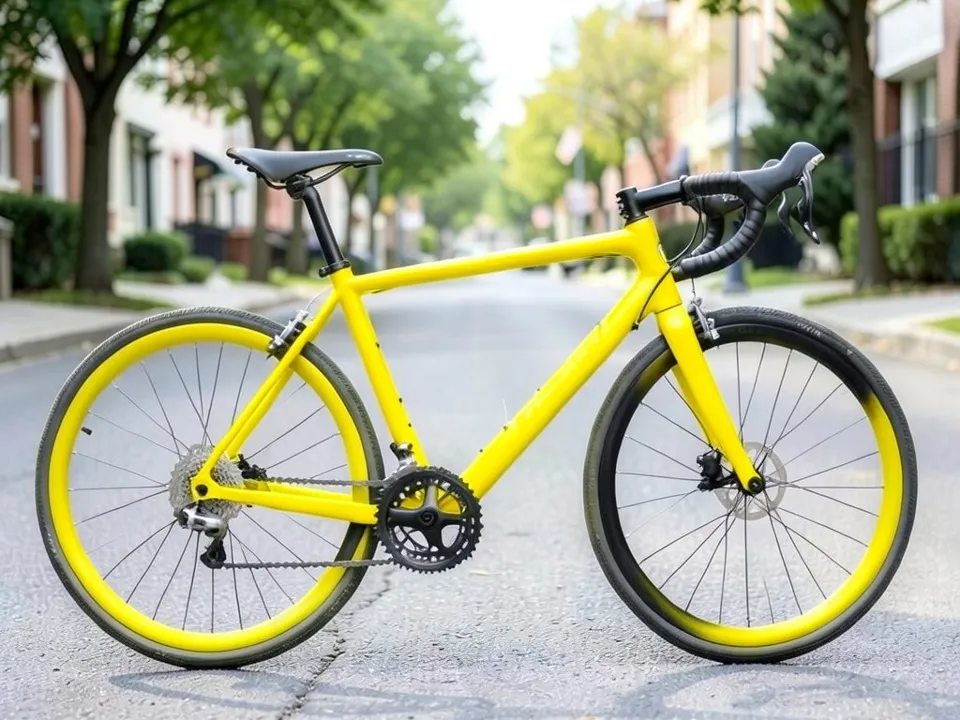
Road bike color change example
These are AI-generated samples from our bicycle color changer. Upload a photo of your own road bike there to try the same kind of edit.
How to use the AI Road Bike Color Changer
- Upload a clear photo of your road bike, taken from the side or a three-quarter angle in daylight.
- Type a color name or a hex code, then pick a finish: glossy, matte, satin, metallic or pearl.
- Set the color intensity from 1 to 10 and render. The result shows your own photo in the new color.
Popular road bike colors to try
- Black
- White
- Red
- Blue
- Yellow
Tips for a good AI Road Bike Color Changer preview
Photograph the road bike from the drive side with the cranks level and both wheels in frame. Thin tubes give the color a small area, so use a plain background that does not blend in. Many riders match the frame color to their bar tape and saddle, so compare a few colors with the parts you already have before you repaint.
Related tools: AI bike modifier, AI bike color changer.
Questions
What does the AI Road Bike Color Changer do?
It repaints a photo of your road bike in the color and finish you choose, so you can compare colors before you paint or wrap it. Black, White, Red, Blue and Yellow are common first picks.
Is the result exactly what real paint will look like?
No. It is a preview on your photo. Real paint and wrap film change with light, angle and the shop that applies them, so check a physical sample before you buy.
Is the AI Road Bike Color Changer free to try?
Sign in with email or Google to render. Most new accounts get 5 free credits (valid 30 days). Free renders carry a WheelAI watermark.