AI Full Vehicle Wrap Designer - Transform Your Vehicle Wrap
Design complete vehicle wraps with AI technology. Create stunning graphics, patterns, and color schemes.
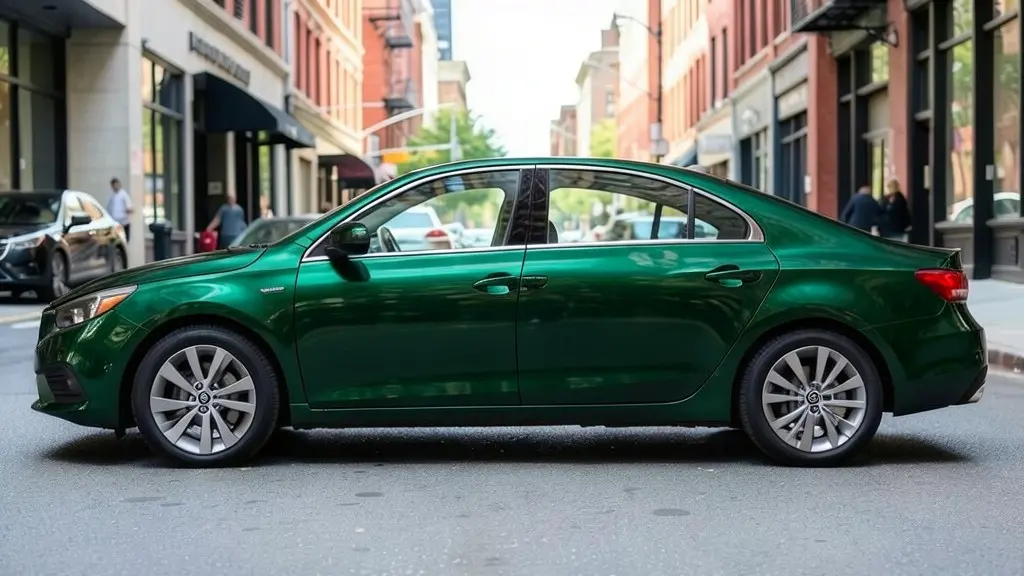
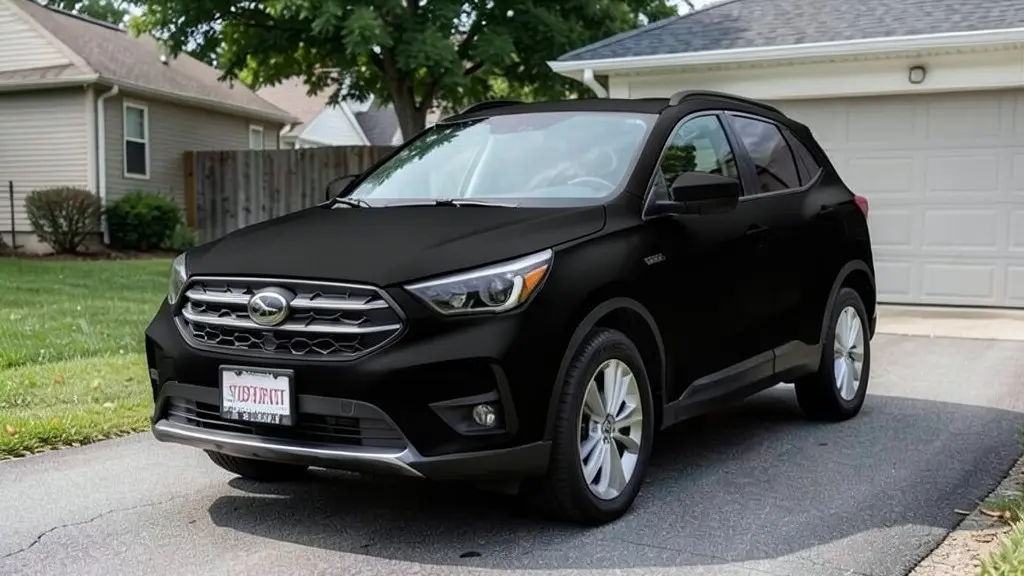
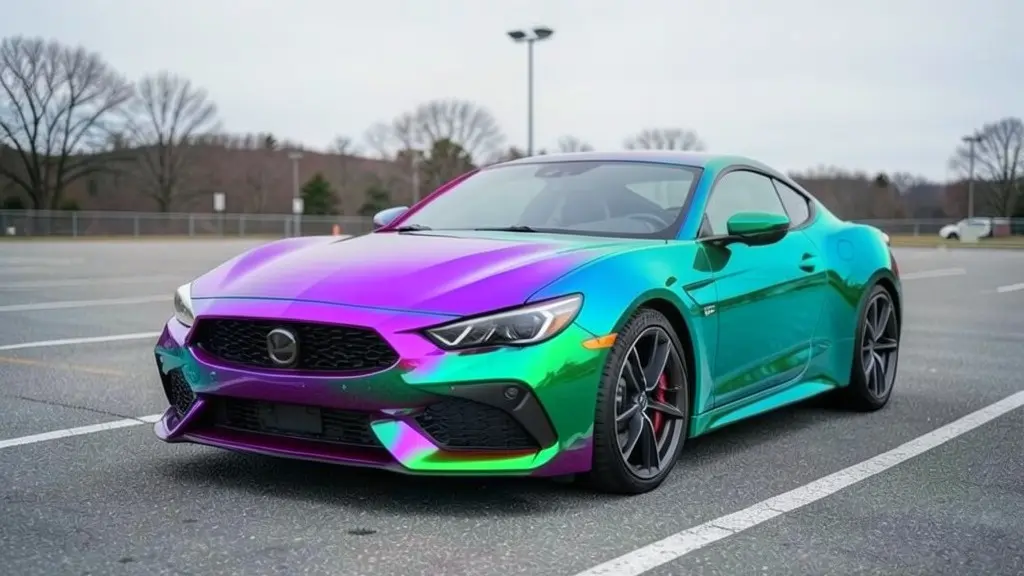
Full car wrap examples
These are AI-generated samples from our car wrap visualizer. Upload a photo of your own car there to try the same kind of edit.
How to use the AI Full Vehicle Wrap Designer
- Upload a clear photo of your vehicle, taken from the side or a three-quarter angle in daylight.
- Pick a wrap type (Matte Finish, Gloss Finish, Satin Finish, Carbon Fiber and Metallic Finish), a primary color and an optional accent color.
- Set the design complexity from 1 to 10 and render to see the wrap on your photo.
Wrap styles you can preview
- Matte Finish
- Gloss Finish
- Satin Finish
- Carbon Fiber
- Metallic Finish
Tips for a good AI Full Vehicle Wrap Designer preview
A full wrap covers every painted panel, so take the photo of the whole car from a three-quarter angle. Compare the same color in matte, gloss and satin film, because the finish changes the look as much as the color. A real wrap also changes door jambs and edges that a photo may not show, so ask the wrap shop what they cover.
Related tools: car wrap visualizer, racing stripes visualizer, hood wrap visualizer.
Questions
What does the AI Full Vehicle Wrap Designer do?
It draws the wrap style and colors you choose onto a photo of your car, so you can compare ideas before you visit a wrap shop.
Can a wrap shop use the result?
You can show it to a wrap installer as a reference for the look. It is not a print-ready design file.
Is the AI Full Vehicle Wrap Designer free to try?
Sign in with email or Google to render. Most new accounts get 5 free credits (valid 30 days). Free renders carry a WheelAI watermark.