AI Racing Stripes Designer - Create Custom Racing Stripes
Design custom racing stripes for your vehicle with AI. Create unique patterns, colors, and styles.
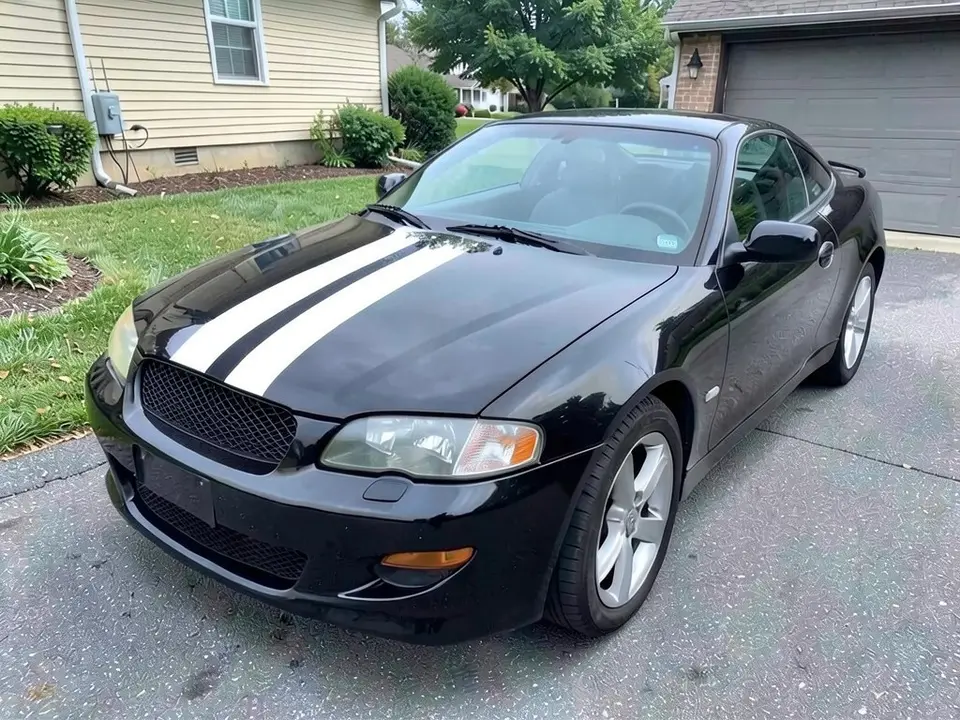
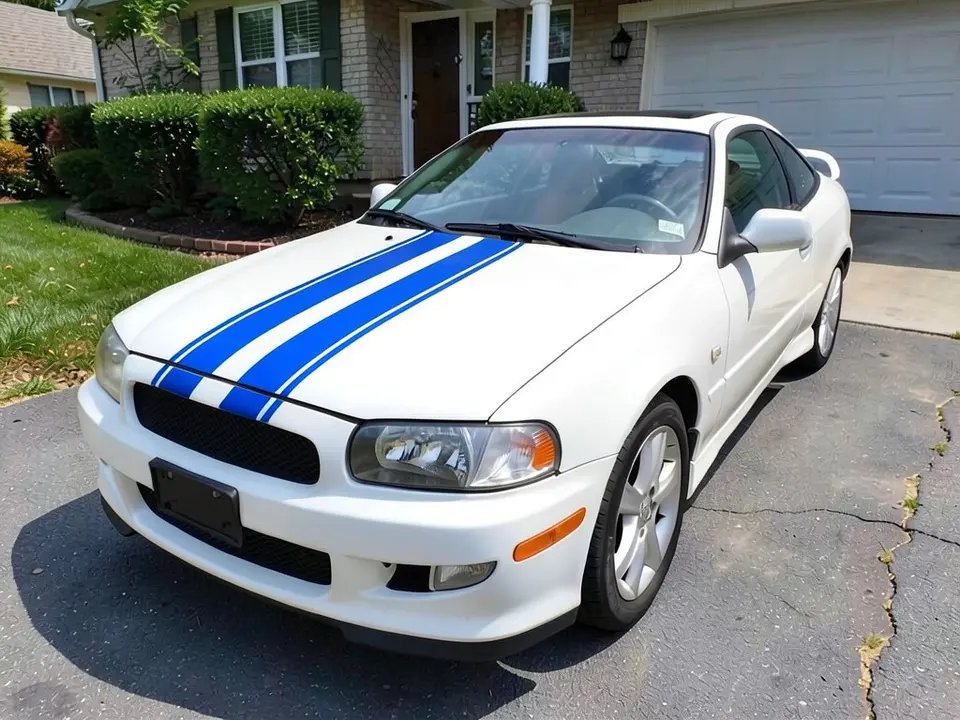
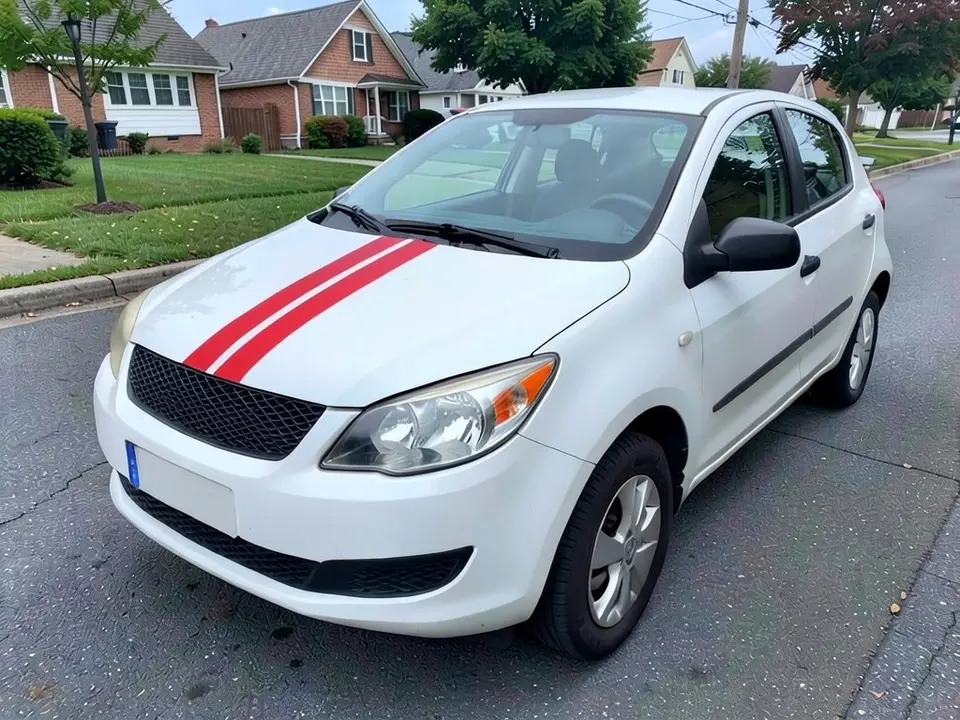
Racing stripe examples
These are AI-generated samples from our racing stripes visualizer. Upload a photo of your own car there to try the same kind of edit.
How to use the AI Racing Stripes Designer
- Upload a clear photo of your vehicle, taken from the side or a three-quarter angle in daylight.
- Pick a wrap type (Classic Stripes, Modern Stripes, Flame Design, Geometric Patterns and Custom Graphics), a primary color and an optional accent color.
- Set the design complexity from 1 to 10 and render to see the wrap on your photo.
Wrap styles you can preview
- Classic Stripes
- Modern Stripes
- Flame Design
- Geometric Patterns
- Custom Graphics
Tips for a good AI Racing Stripes Designer preview
Racing stripes run over the hood, roof and trunk, so a photo from a front three-quarter angle, a little above the car, shows them best. Classic double stripes look best in a color that contrasts with the paint, such as white on blue or black on red. Compare a full-length stripe with a hood-only stripe before you go to a wrap shop.
Related tools: car wrap visualizer, racing stripes visualizer, hood wrap visualizer.
Questions
What does the AI Racing Stripes Designer do?
It draws the wrap style and colors you choose onto a photo of your car, so you can compare ideas before you visit a wrap shop.
Can a wrap shop use the result?
You can show it to a wrap installer as a reference for the look. It is not a print-ready design file.
Is the AI Racing Stripes Designer free to try?
Sign in with email or Google to render. Most new accounts get 5 free credits (valid 30 days). Free renders carry a WheelAI watermark.