Car Visualizers: See Wheels, Wraps and Mods on Your Own Car
Buying rims, booking a wrap or planning a lift kit is easier when you can see the result first. TheWheelAI has 41 visualizer pages, each focused on one kind of change or one popular vehicle. On every page you upload a photo of your own car, truck, SUV, van or golf cart, describe the change in plain words, and the AI redraws the photo with it. You can compare several colors, finishes or parts before you spend money or visit a shop.
Pick the page below that matches your plan. Each one has before and after examples, and tips for taking a good photo. The renders show looks only; they do not check that a part fits.
Upload my car photoSign in with email or Google to render. Most new accounts get 5 free credits (valid 30 days); a standard render uses 1 credit. Free renders carry a WheelAI watermark.
Wheels and rims
Preview new wheel designs, finishes and tire sizes on your own car, truck or SUV.
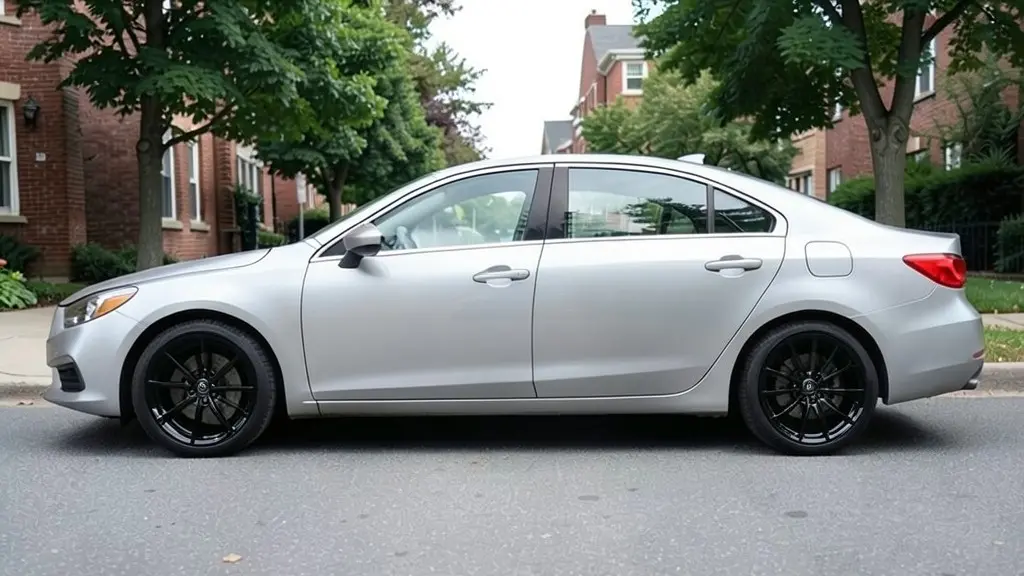
Rim Visualizer
Upload a side photo of your car and see it with new rims in gloss black, bronze, chrome or machined finishes, in 5-spoke or multi-spoke designs.
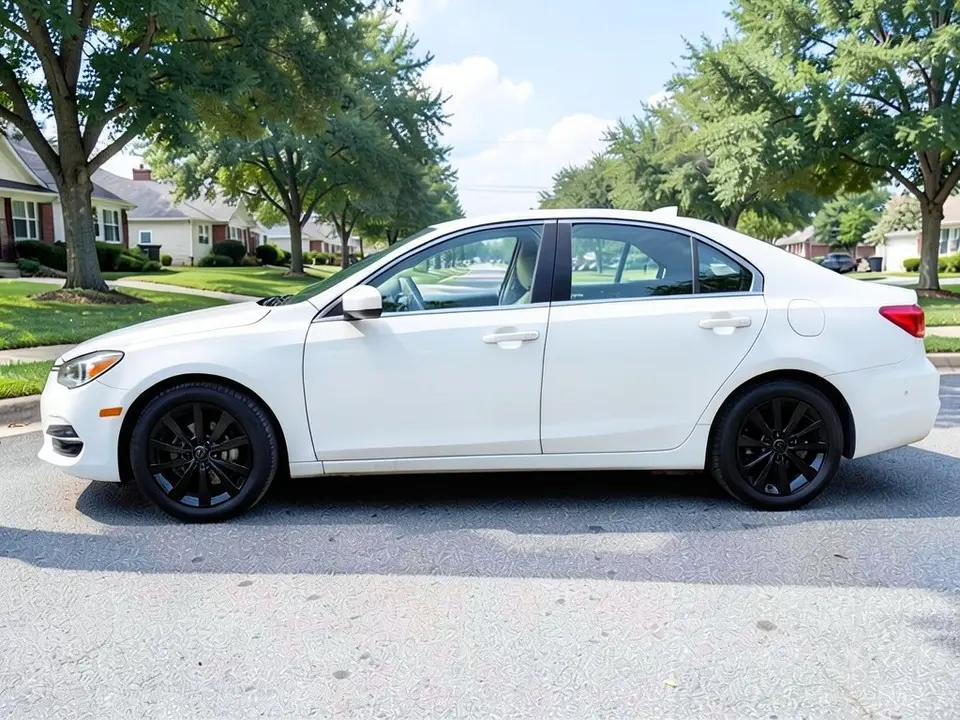
Wheel Color Visualizer
For the wheels you already own: preview black, bronze or white powder coat, paint or dip colors on your own car before you do the work.
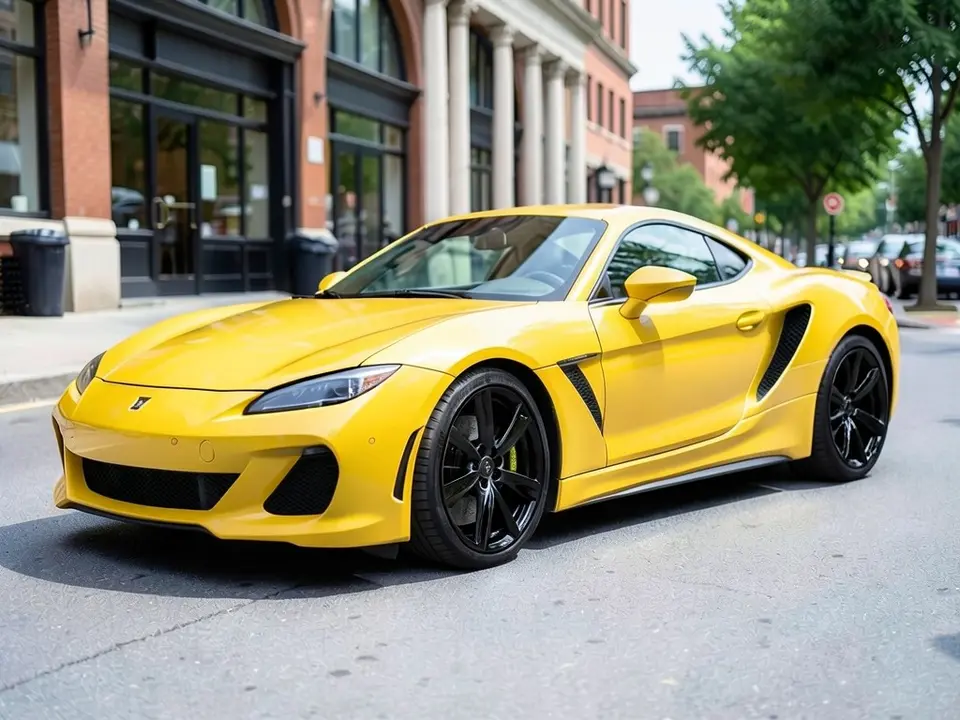
Corvette Wheel Visualizer
Try black, bronze or silver wheel finishes on a photo of your own Corvette.
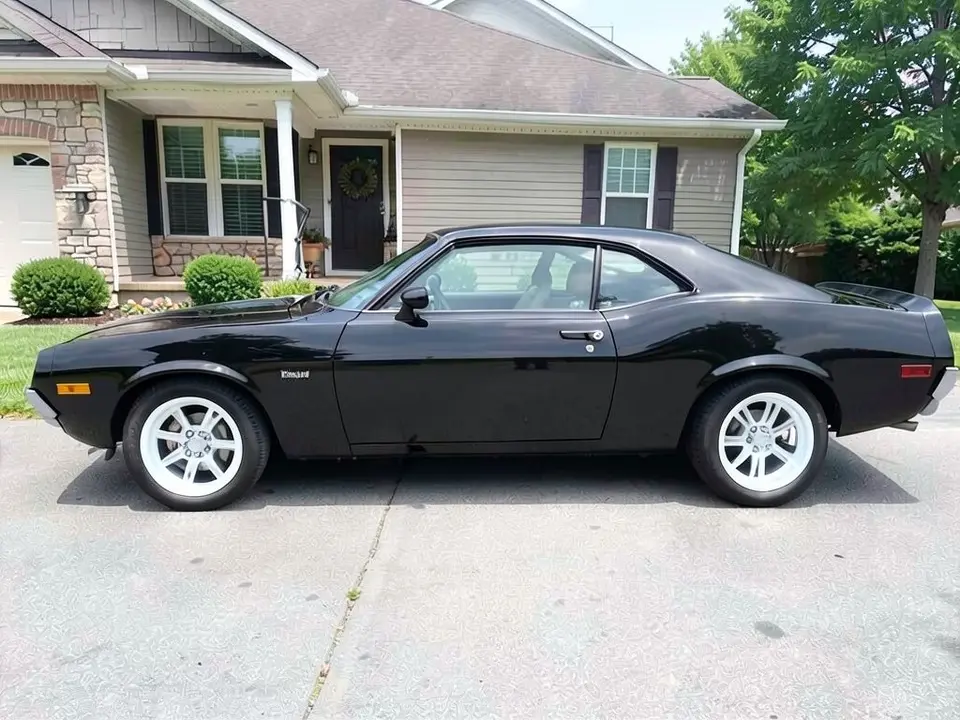
Camaro Visualizer
Preview black or white rims and a new wrap color on a photo of your Chevy Camaro.
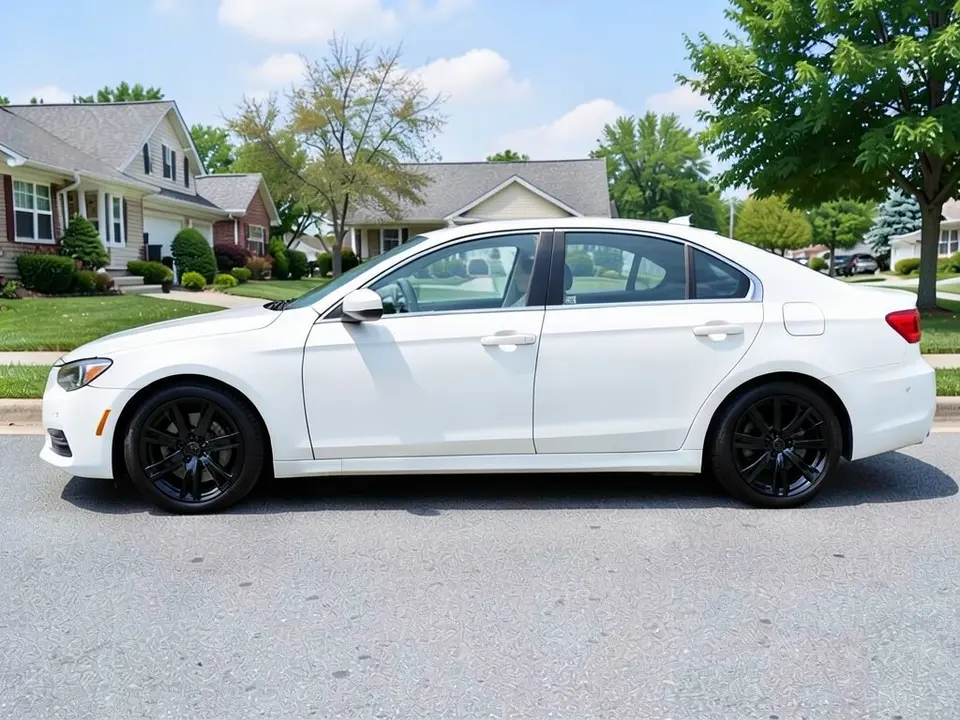
Charger Visualizer
See black or bronze wheels and a new wrap color on your own Charger photo.
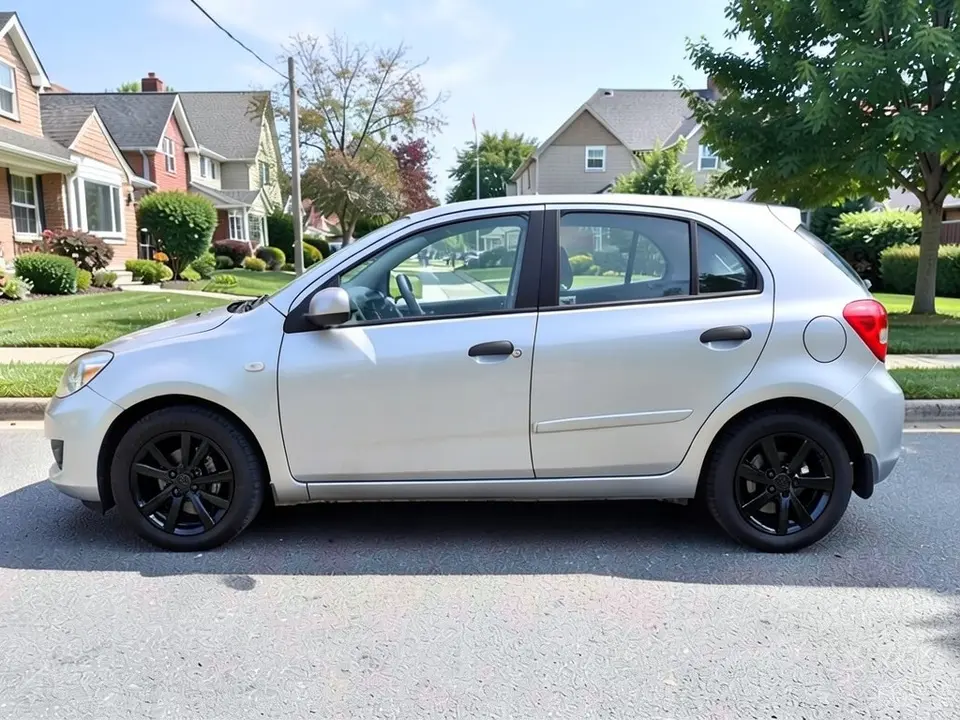
Civic Visualizer
Preview black or bronze rims and a new wrap color on a photo of your Honda Civic.
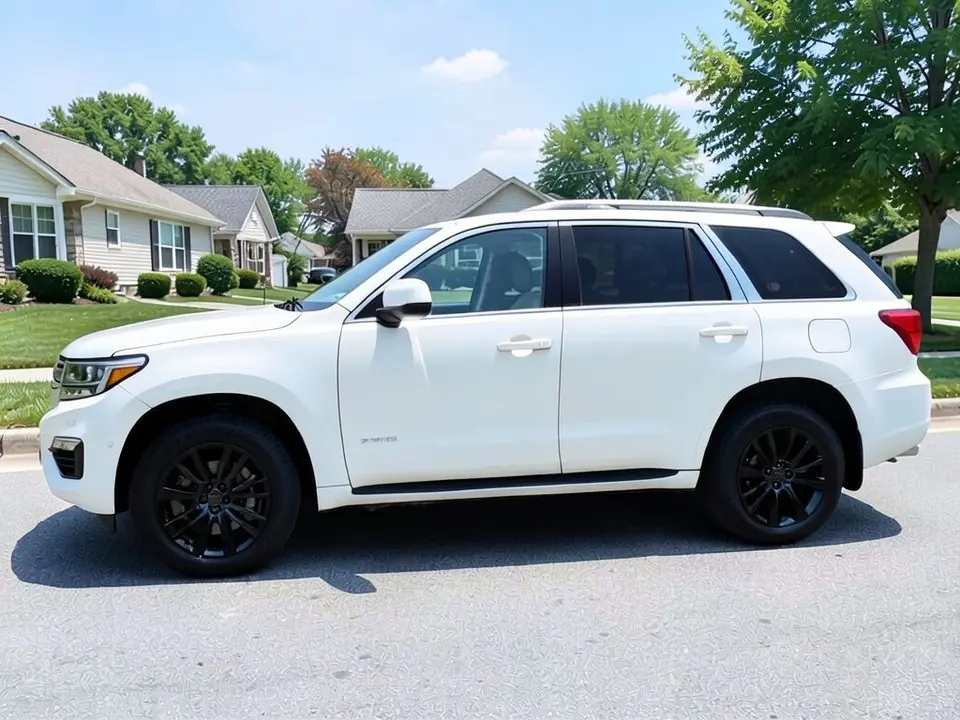
Tahoe Visualizer
Try black or chrome wheels and bigger all-terrain tires on a photo of your Tahoe.
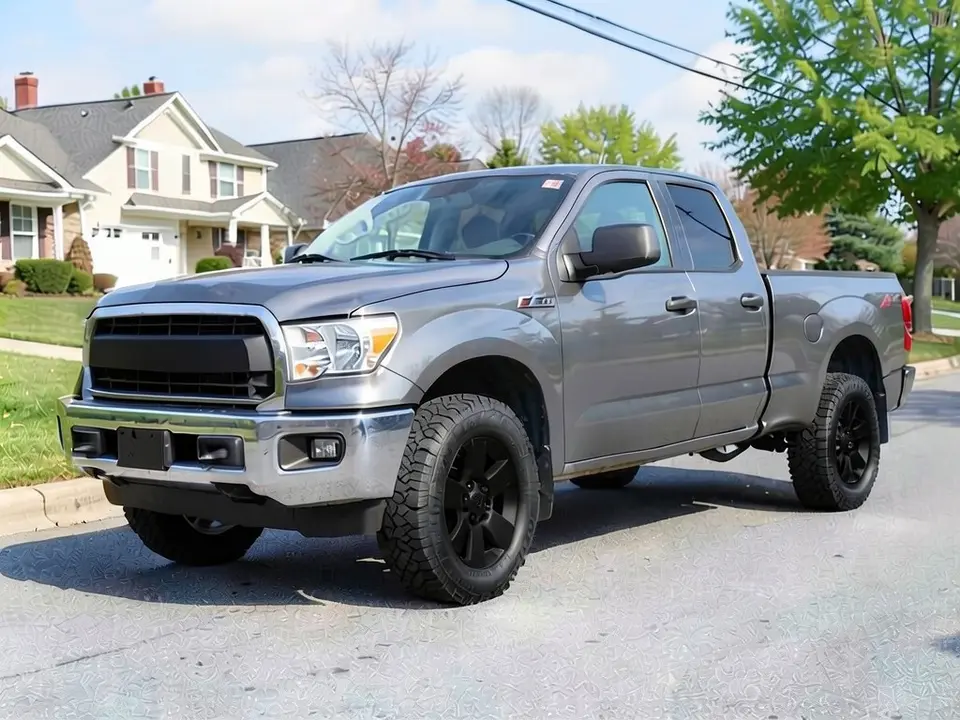
Tundra Visualizer
Preview black, bronze or chrome wheels and bigger all-terrain tires on your Tundra.
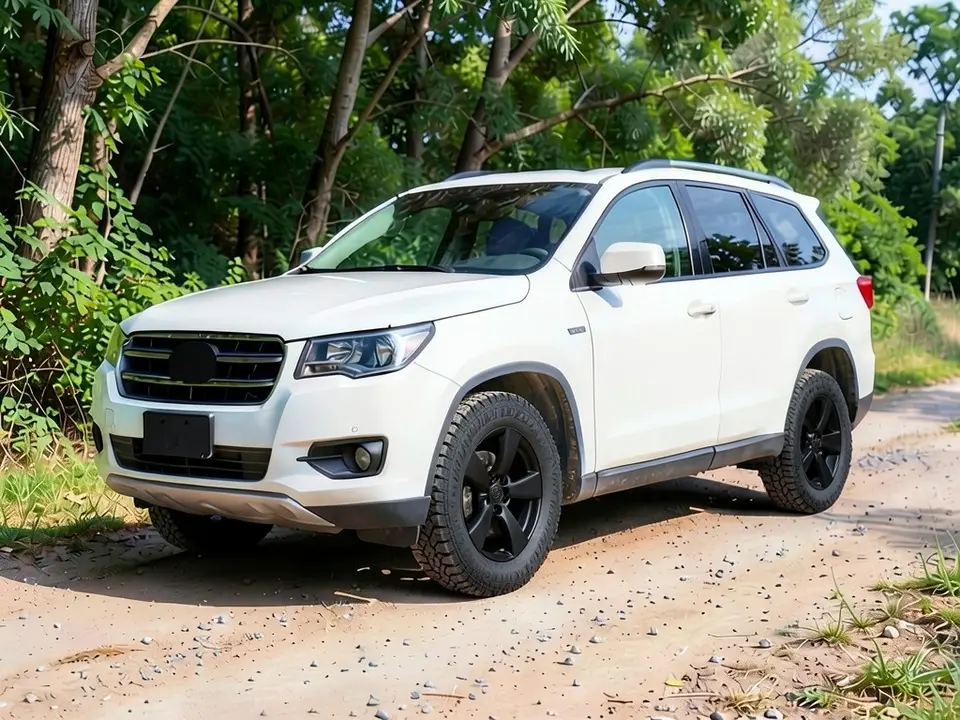
4Runner Visualizer
Preview black or bronze wheels, all-terrain tires or a roof rack on a photo of your 4Runner.
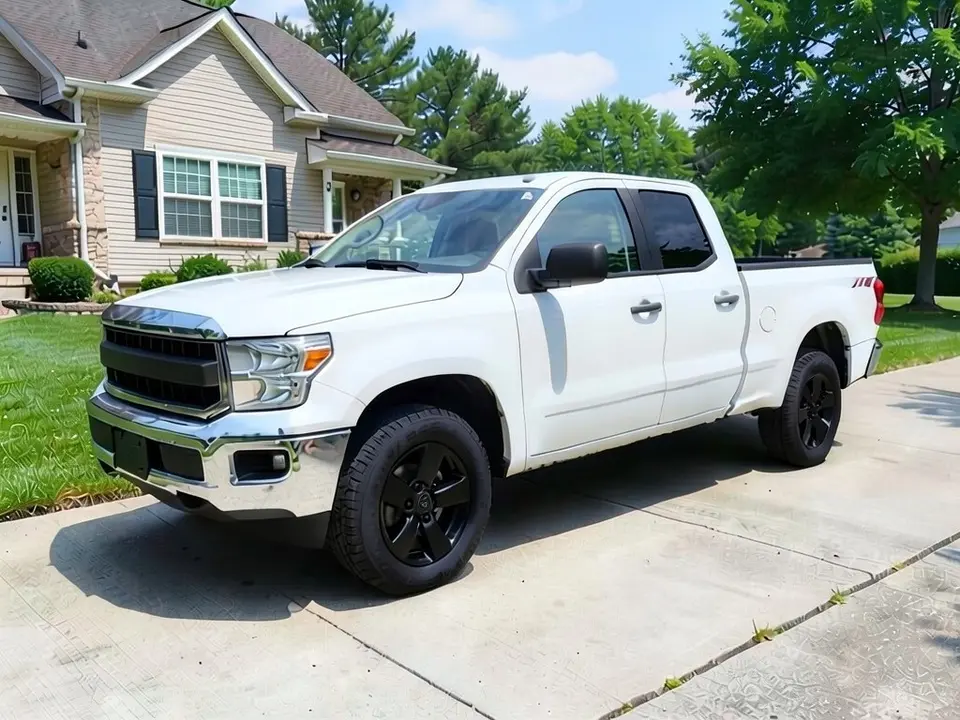
Ram 1500 Wheel Visualizer
See new wheels, taller tires, a lift or side steps on a photo of your Ram 1500.
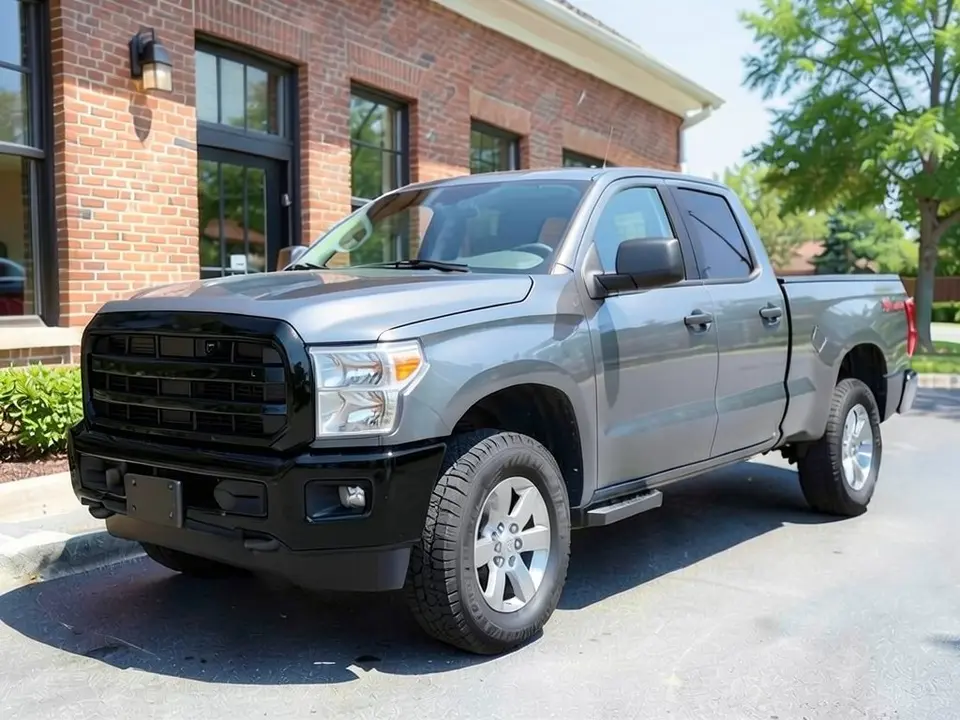
Silverado Visualizer
Try chrome, black or bronze wheels, a blacked-out grille and bumper, or new tires on your Silverado.
Wraps and paint
Compare vinyl wrap colors, finishes and partial wraps on your own vehicle before you talk to a shop.
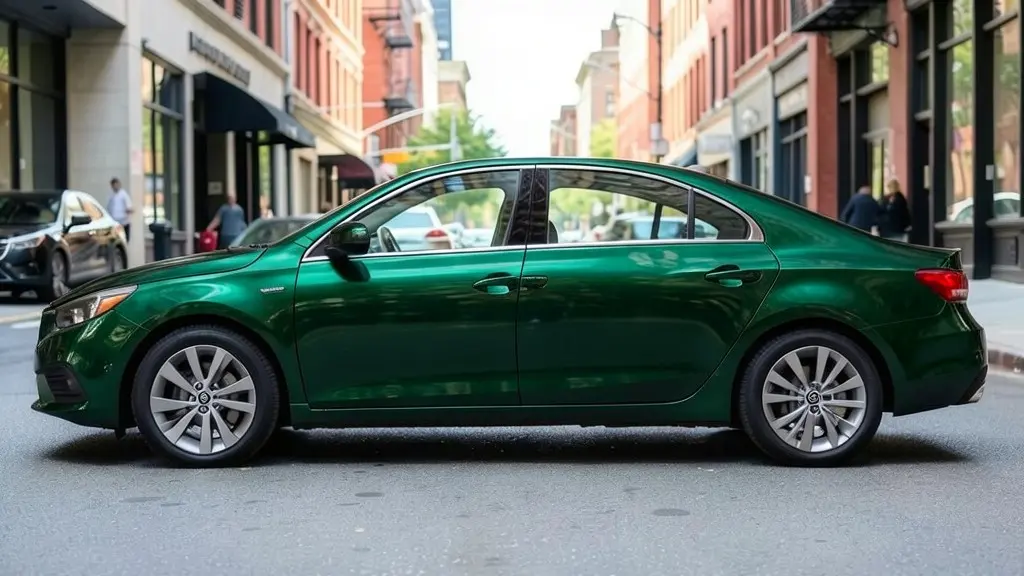
Car Wrap Visualizer
Upload a photo of your car and see it in a gloss, satin, matte, chrome or color-shift vinyl wrap. This one opens the Wrap Designer.
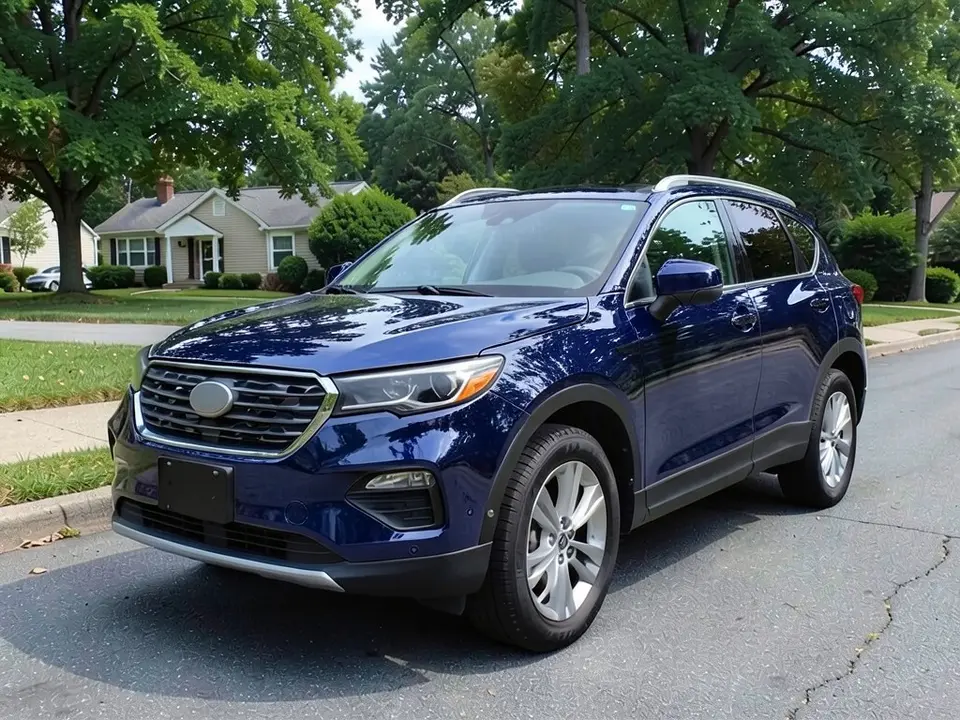
SUV Wrap Visualizer
Preview a blue or tan color-change wrap on your own SUV before you pay a shop.
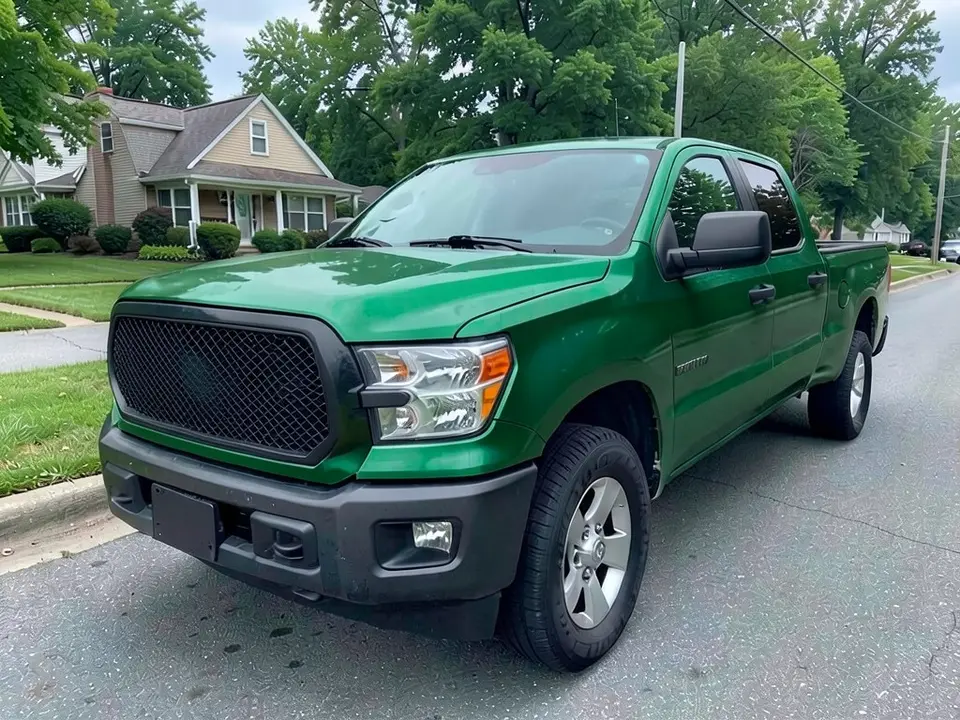
Pickup Truck Wrap Visualizer
Try a green, black or tan color-change wrap on your own pickup.
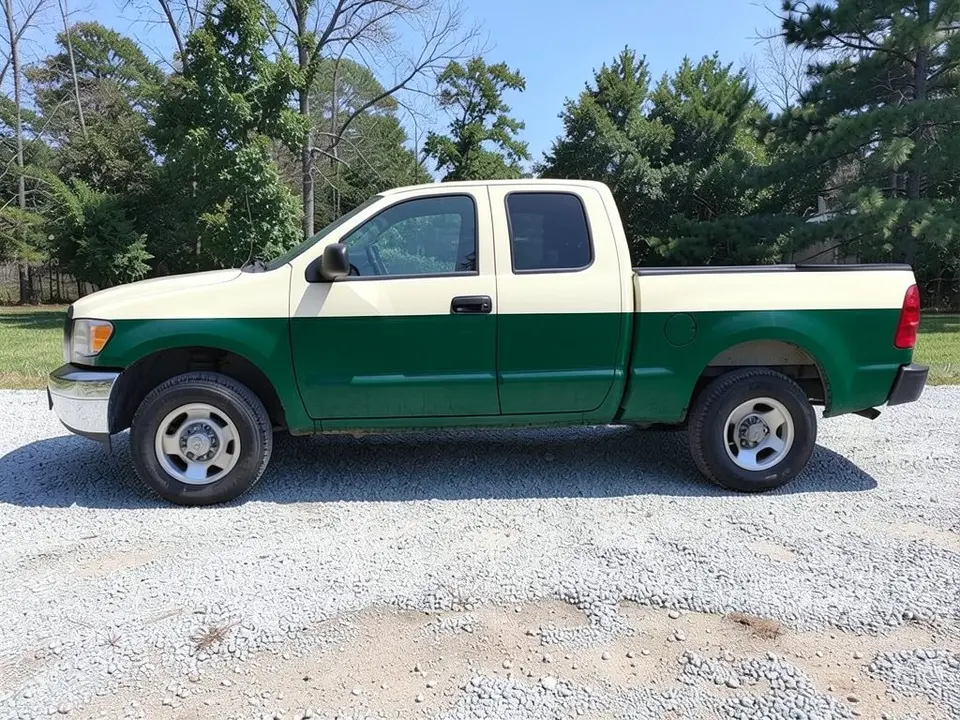
Two-Tone Truck Paint Visualizer
Preview a two-tone paint split, such as a white roof or a darker lower body, on a photo of your own pickup before you book a paint shop.
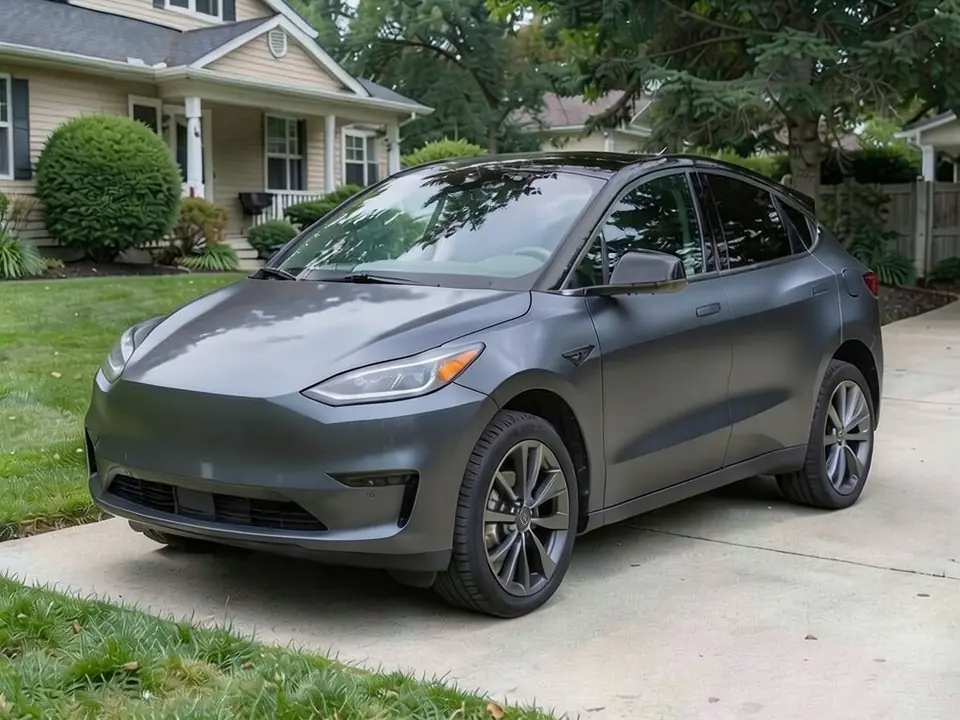
Tesla Wrap Visualizer
Preview matte, satin or gloss wrap colors on a photo of your Model 3, Y, S, X or Cybertruck. It shows a photo preview, not a Toybox or Paint Shop file.
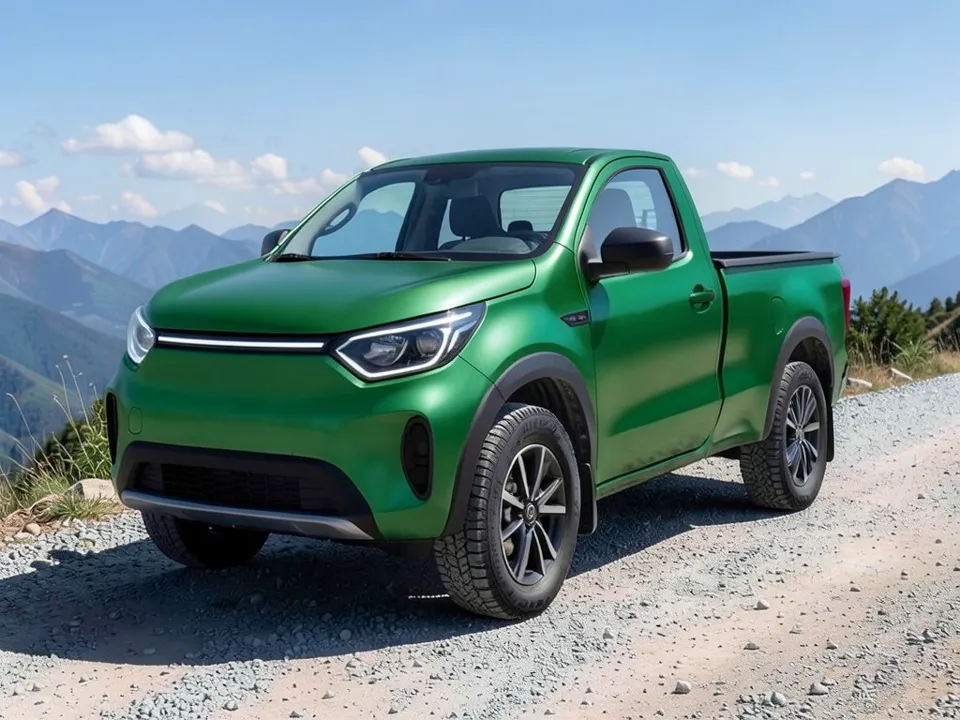
Rivian Wrap Visualizer
Try matte, satin, gloss or color-shift wraps on a photo of your Rivian R1T, R1S or R2.
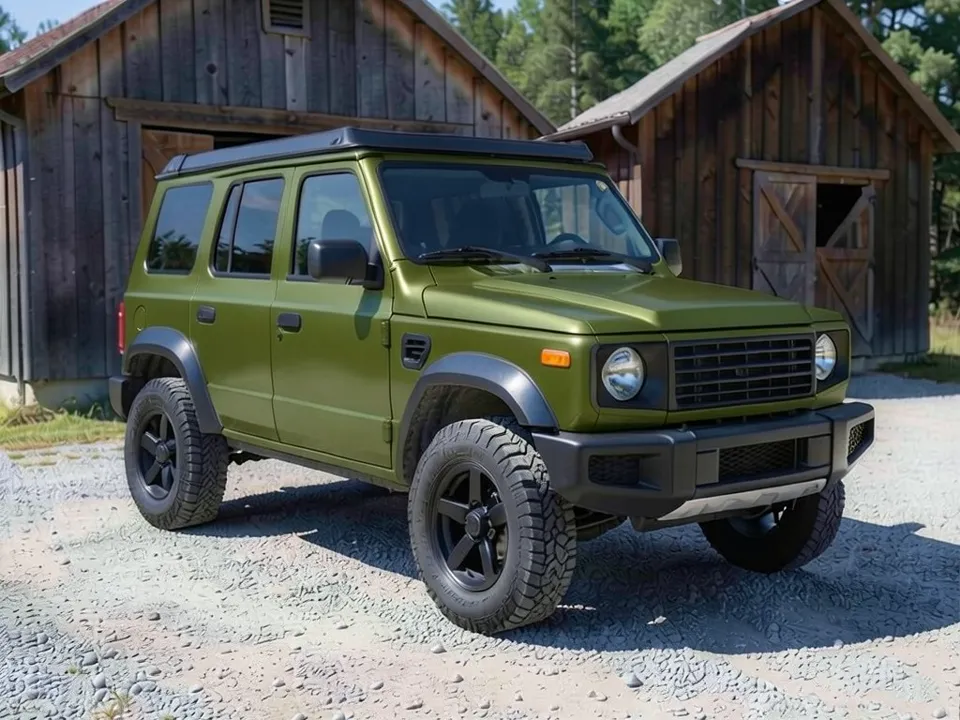
Bronco Wrap Visualizer
Preview matte, satin, gloss or color-shift wraps and a contrast roof on your Ford Bronco.
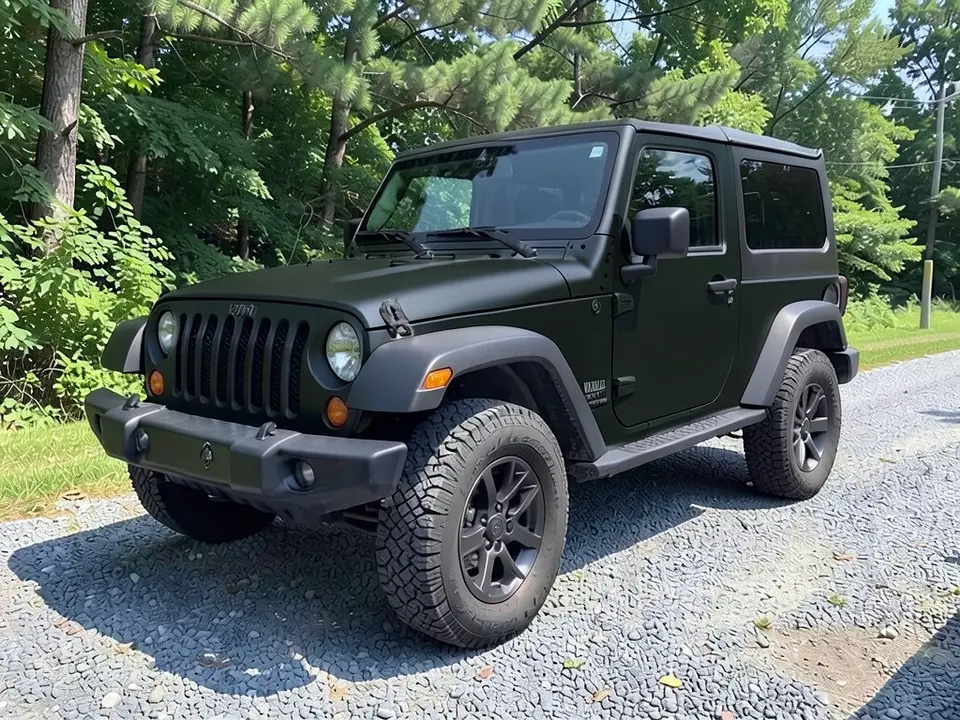
Jeep Wrangler Wrap Visualizer
See a matte black, sand tan or electric blue wrap on a photo of your Wrangler.
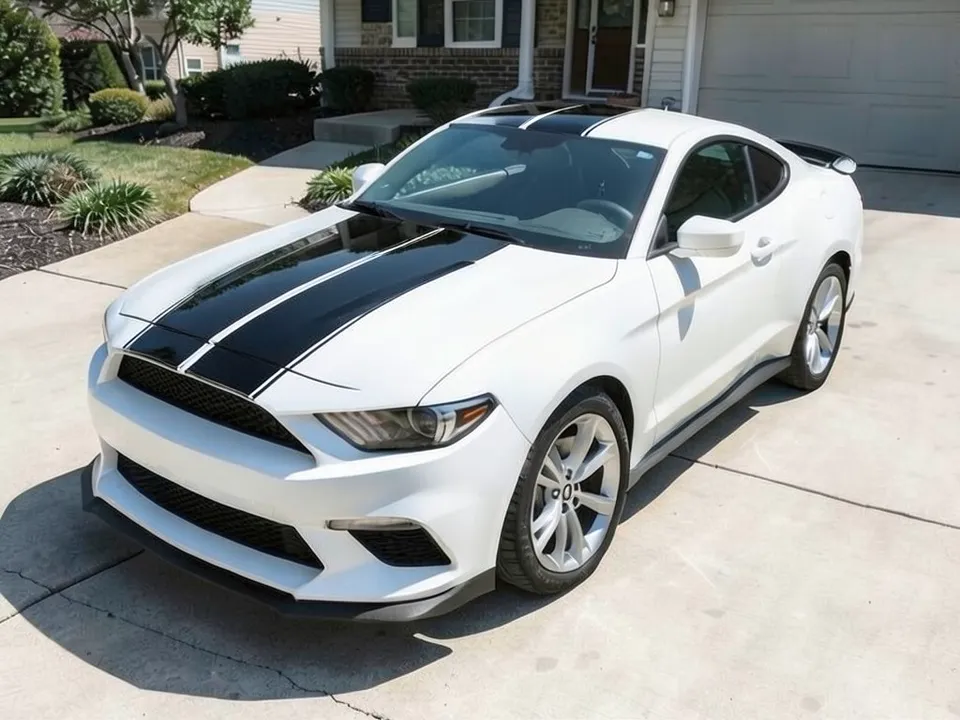
Mustang Wrap Visualizer
Preview matte, satin, gloss or color-shift wraps and racing stripes on your Mustang.
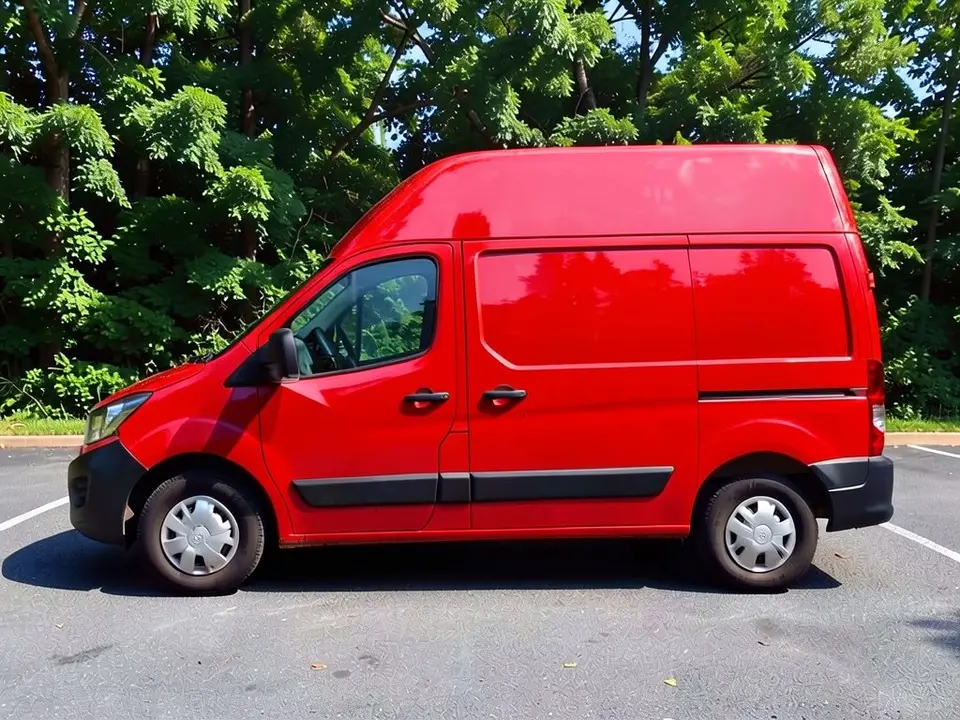
Van Wrap Visualizer
Preview a new wrap color and finish on a photo of your work van or cargo van before you book an installer.
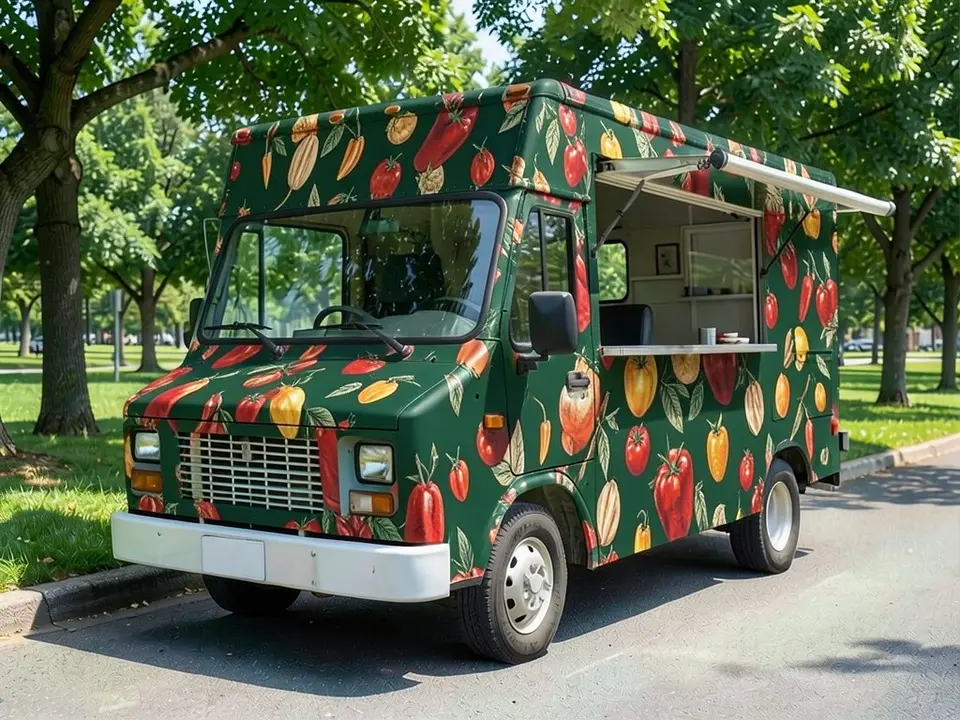
Food Truck Wrap Visualizer
Preview a wrap color or pattern on a photo of your food truck or trailer before you brief a wrap printer.
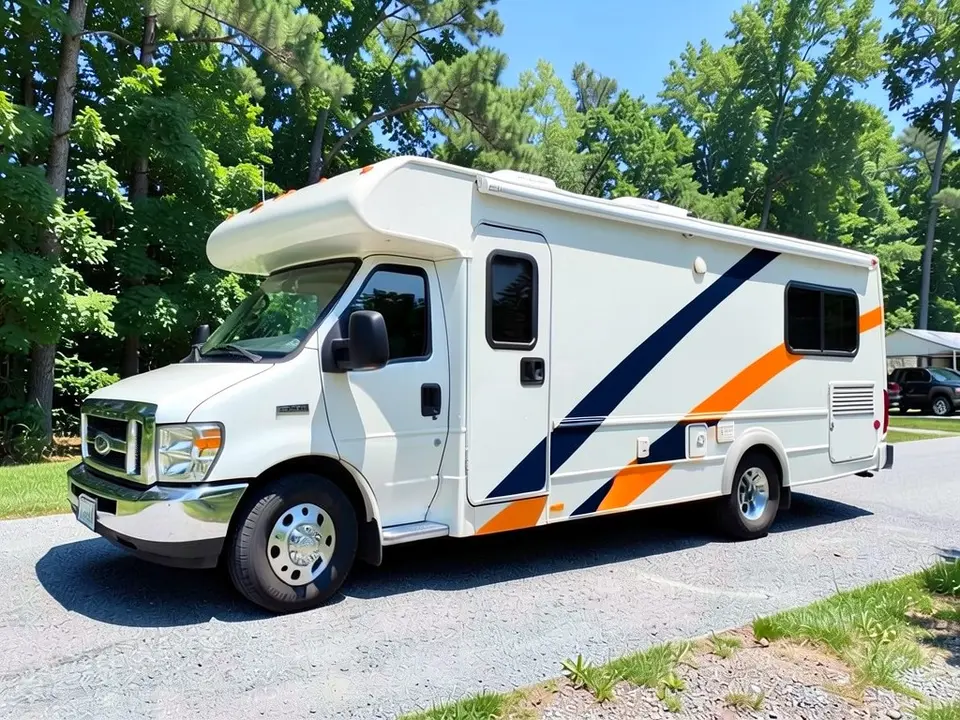
RV Wrap Visualizer
Preview a wrap color, stripe or two-tone look on a photo of your RV, camper or travel trailer before you ask installers for quotes.
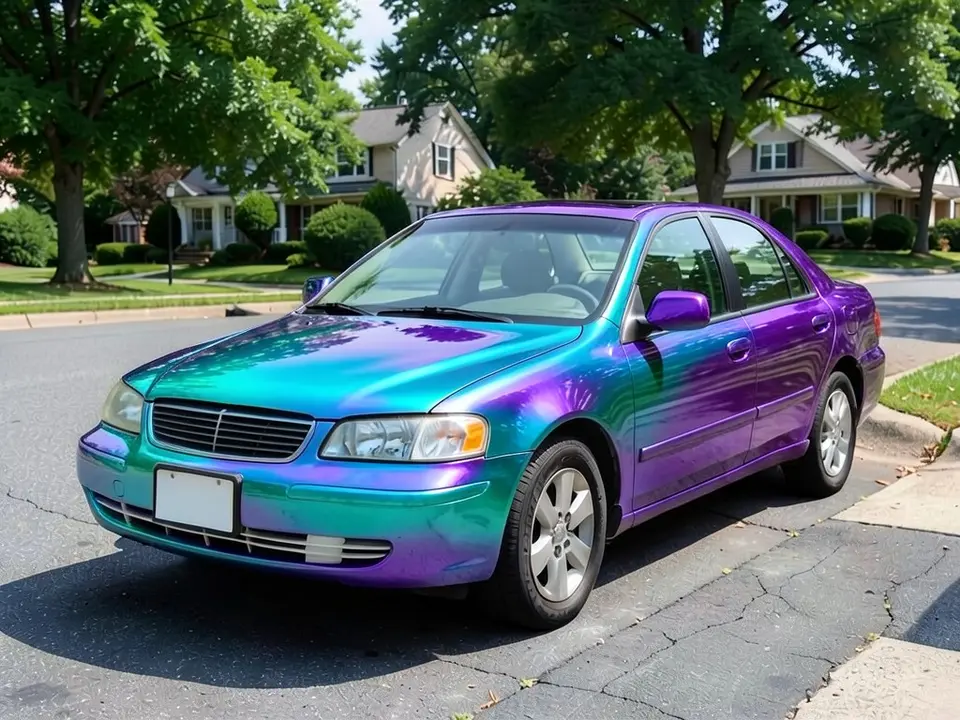
Color Shift Wrap Visualizer
Try a color-shift (chameleon) pair such as teal to purple on a photo of your car. A still image shows one angle of the shift only.
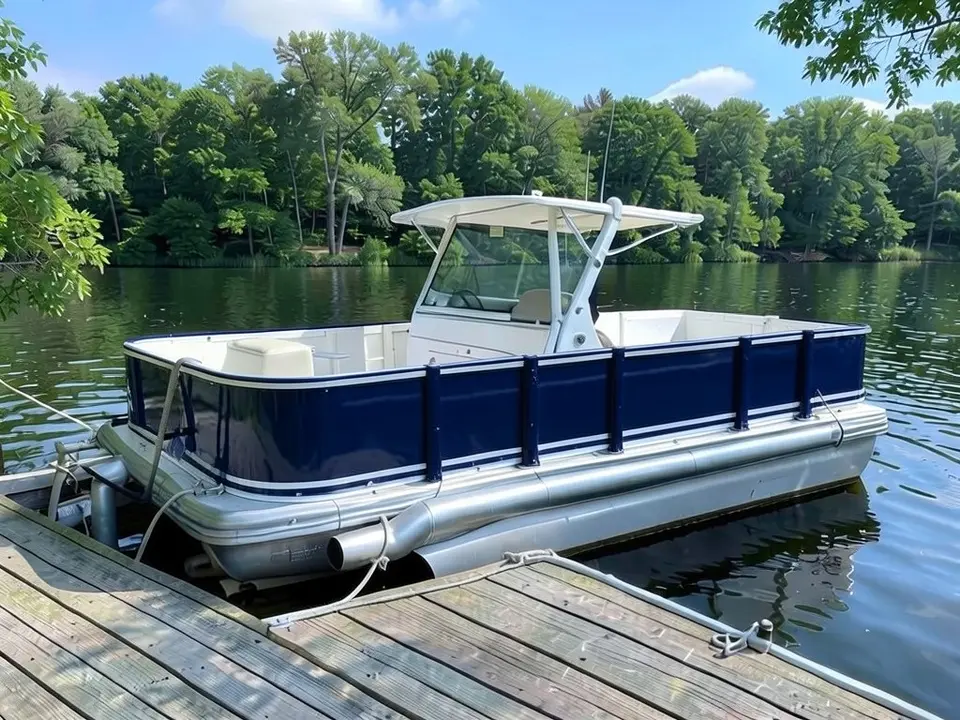
Boat Wrap Visualizer
Preview a hull color, pontoon fence panel wrap or camo pattern on a photo of your boat before you book an installer.
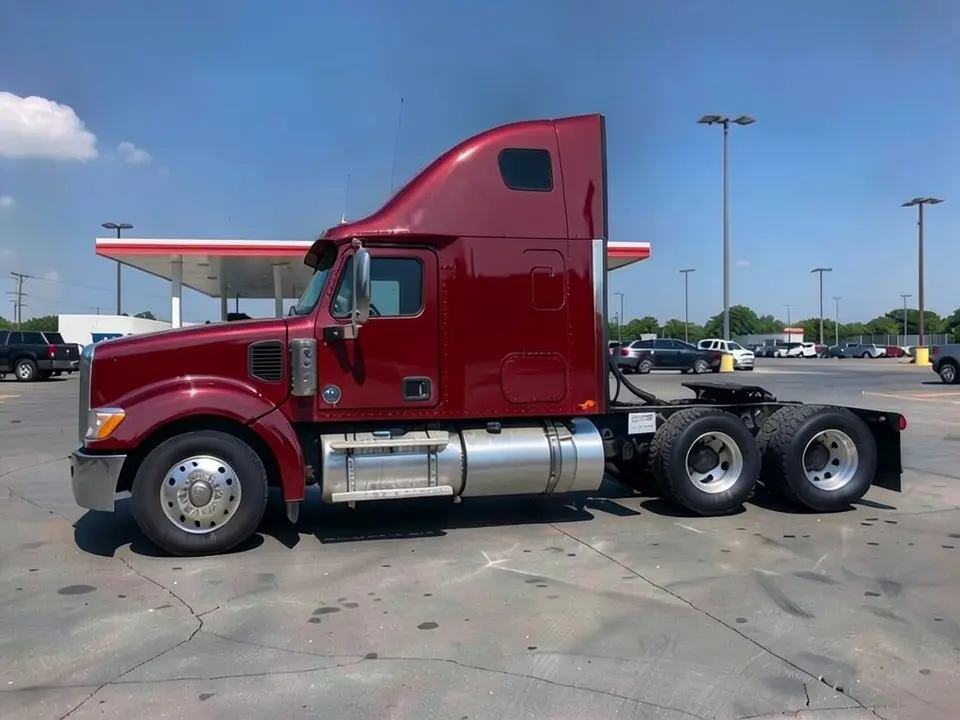
Semi Truck Wrap Visualizer
Preview a cab color, two-tone look or trailer graphic on a photo of your semi truck before you book a wrap shop.
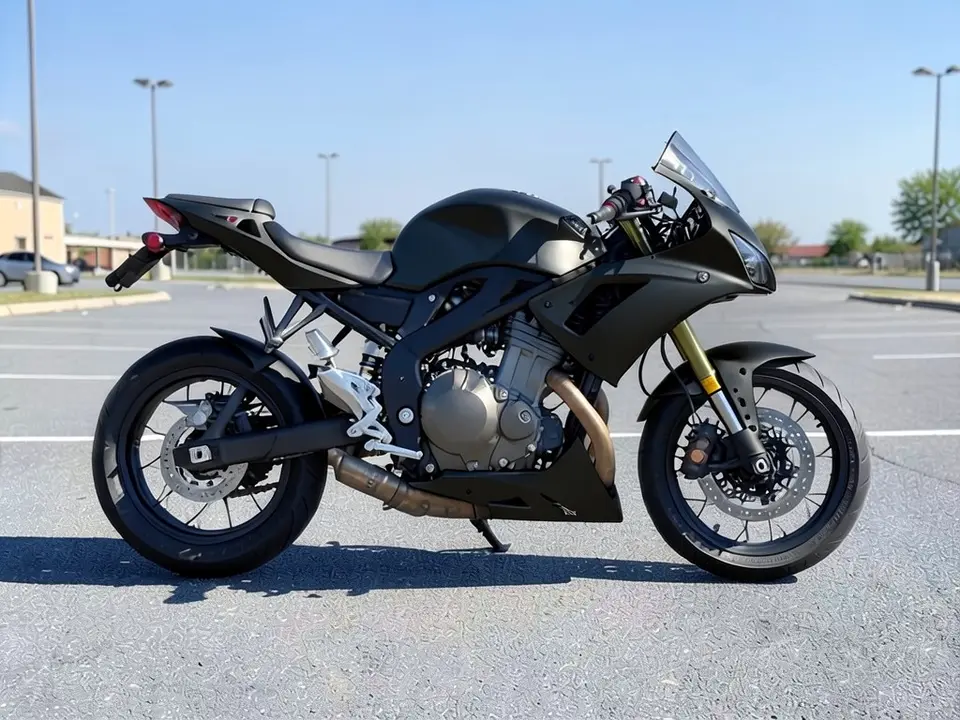
Motorcycle Wrap Visualizer
Try motorcycle wrap ideas such as matte black, candy red or a dirt bike graphic kit on a photo of your own bike.
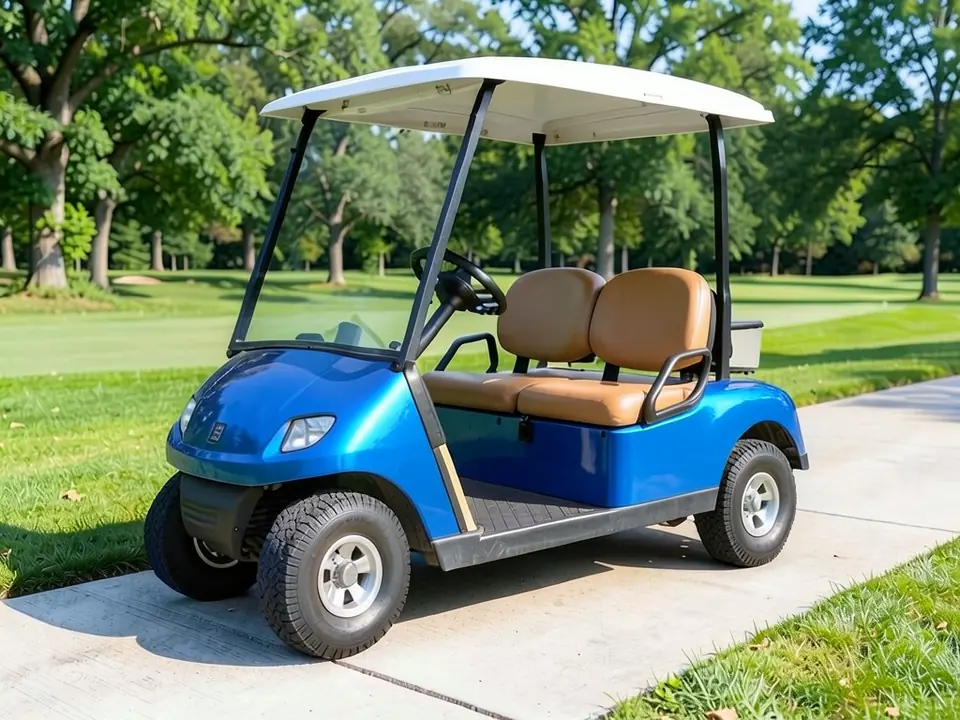
Golf Cart Color Visualizer
Try new paint colors, two-tone looks or a vinyl wrap on a photo of your golf cart.
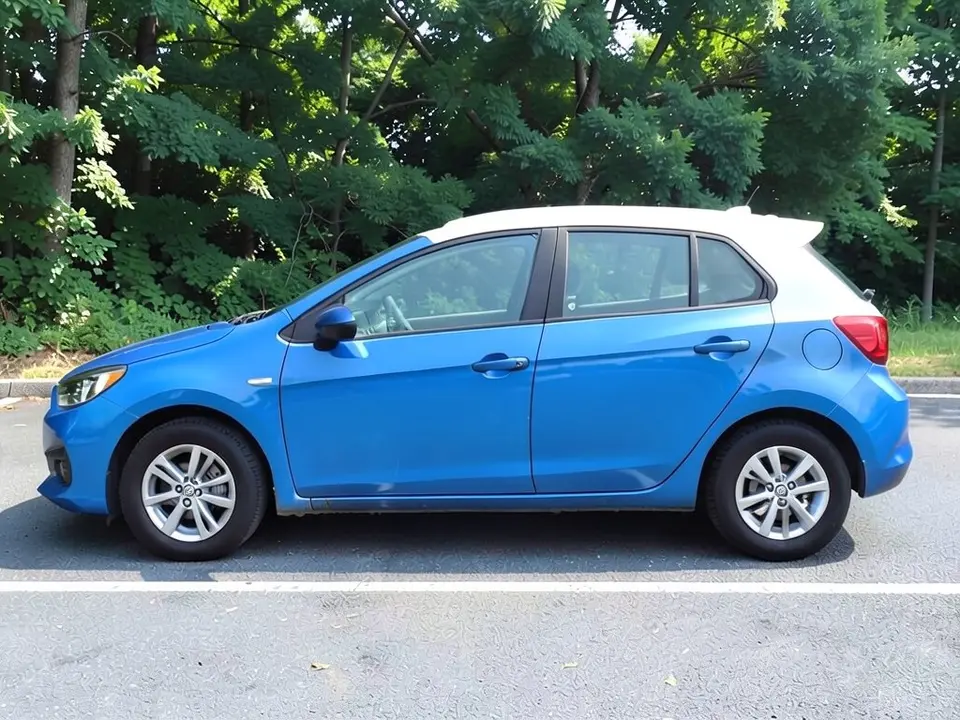
Roof Wrap Visualizer
Preview a gloss black or white roof wrap against your own paint.
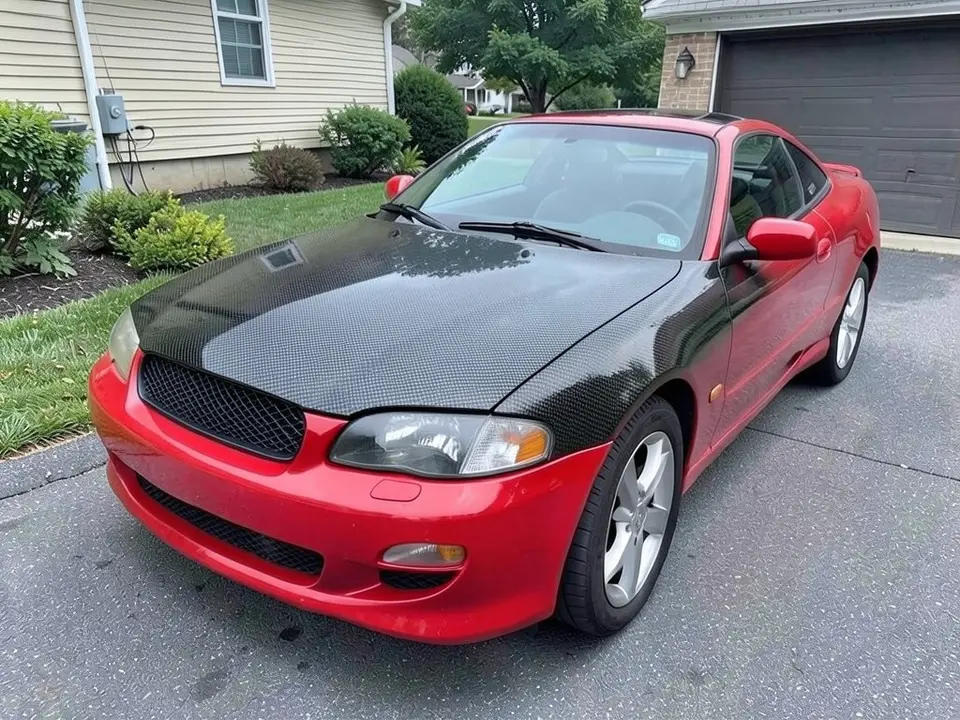
Hood Wrap Visualizer
See a matte black, carbon fiber look or gray hood wrap on your car or truck.
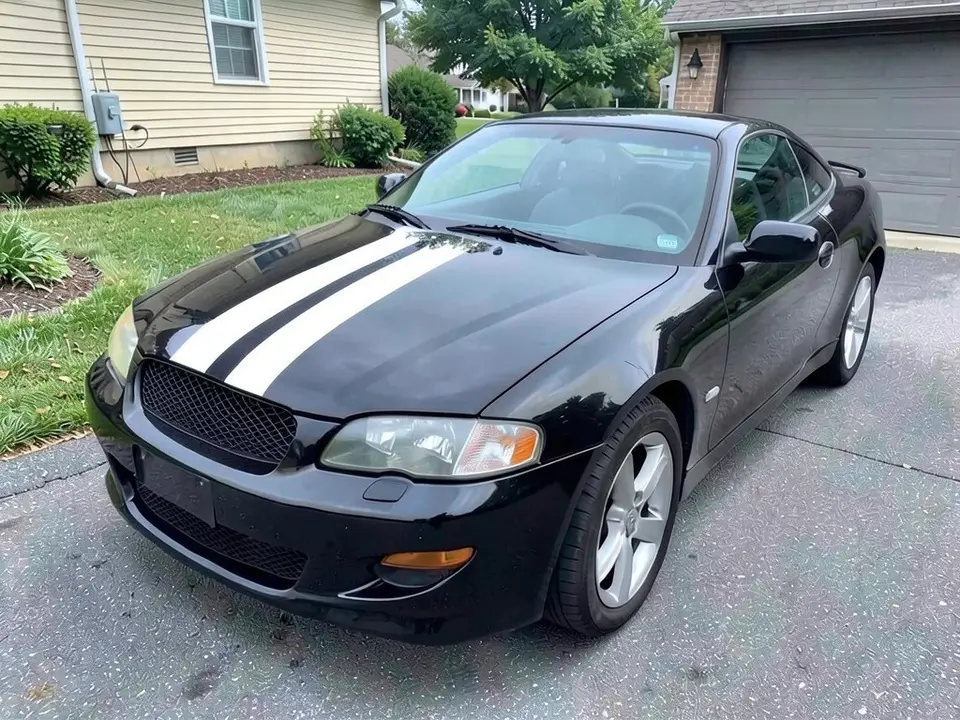
Racing Stripes Visualizer
Preview white, black, blue or red racing stripes before you buy a kit or call a shop.
Body, lift and truck mods
Preview add-on parts and stance changes on trucks, Jeeps and cars.
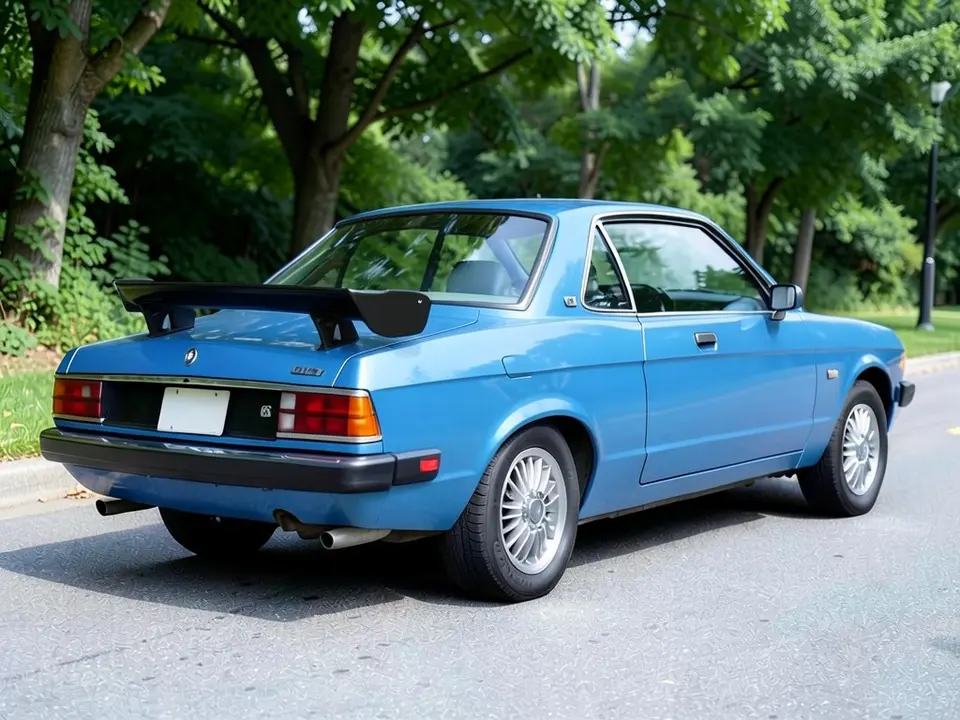
Car Spoiler Visualizer
See a lip spoiler, ducktail, GT wing or roof spoiler on a photo of your own car.
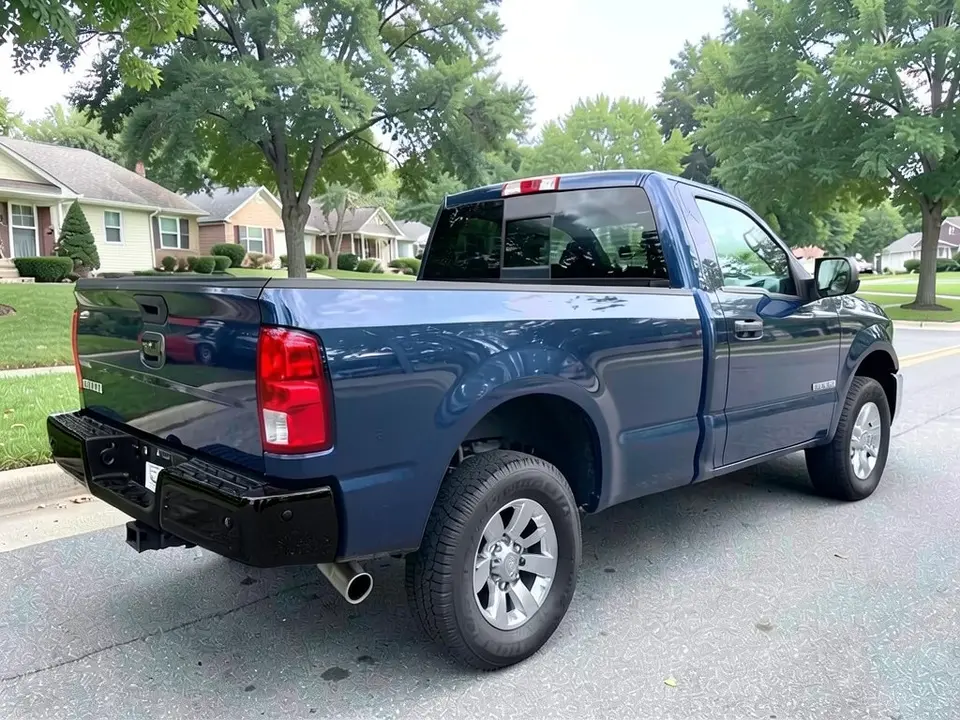
Chrome Delete Visualizer
Preview gloss or matte black in place of chrome bumpers or grille trim on your car or truck.
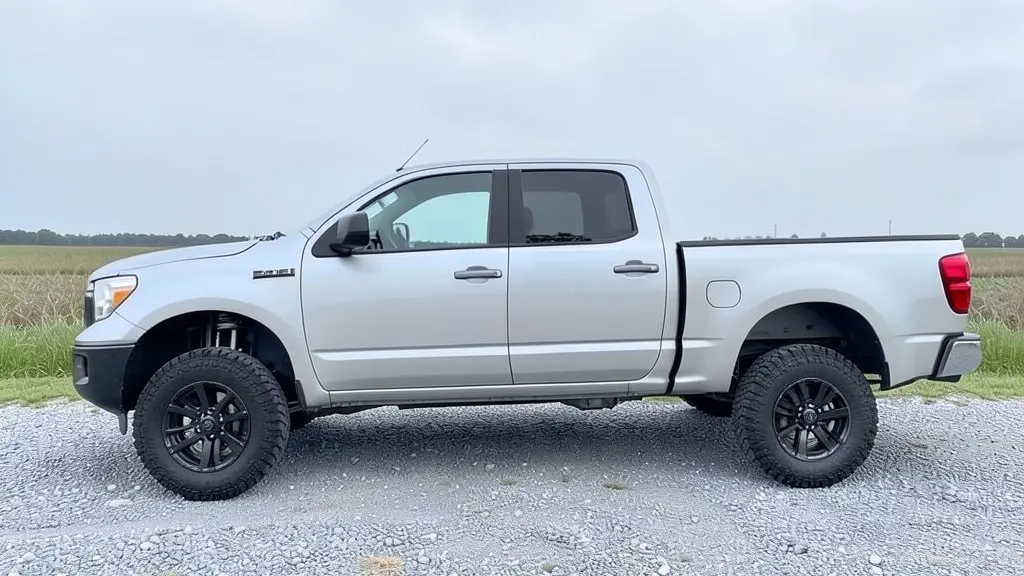
Lift Kit Visualizer
Try a leveling kit, a 3-inch lift or a 6-inch lift with bigger tires on a photo of your truck or SUV.
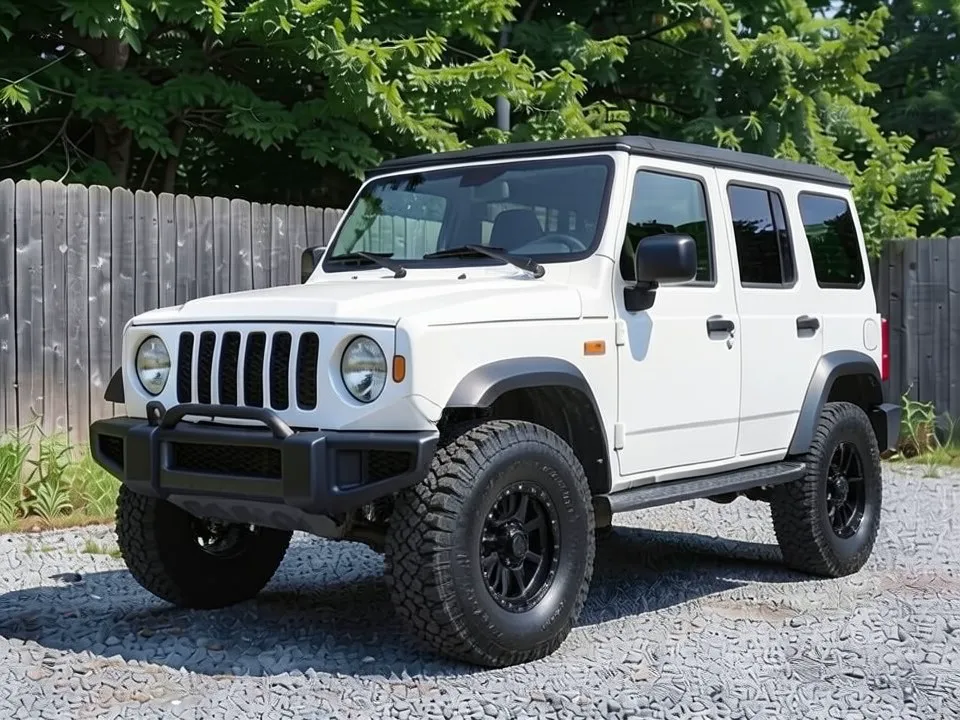
Jeep Visualizer
Preview wheels, tires, lift, bumpers and color on your Wrangler, Gladiator or other Jeep.
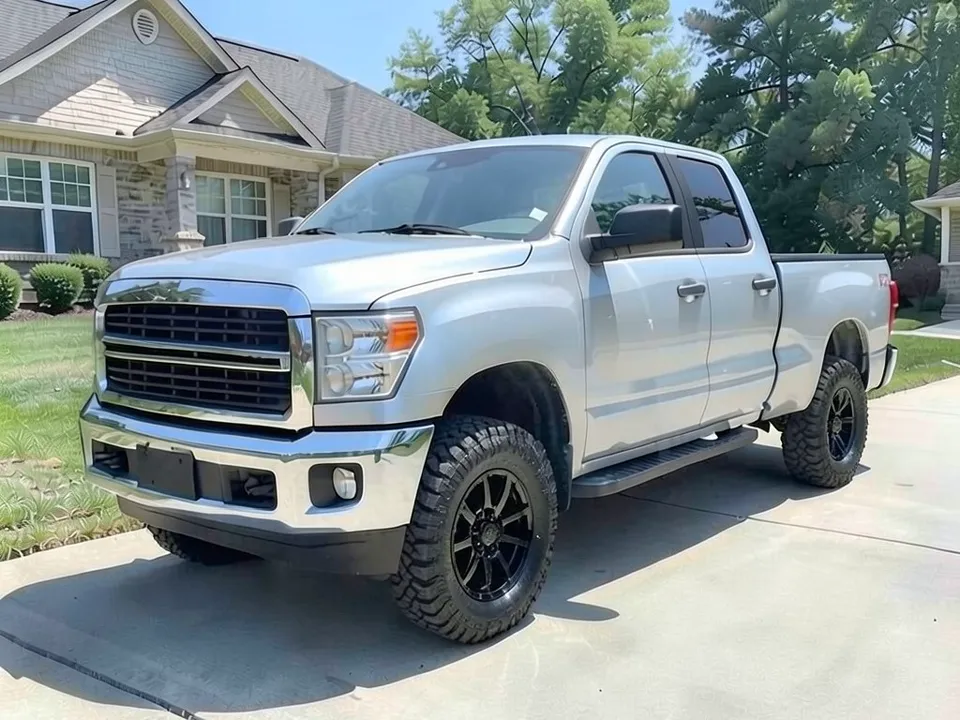
F-150 Visualizer
See new wheels, bigger tires, a lift, a bumper and a bed rack on your Ford F-150.
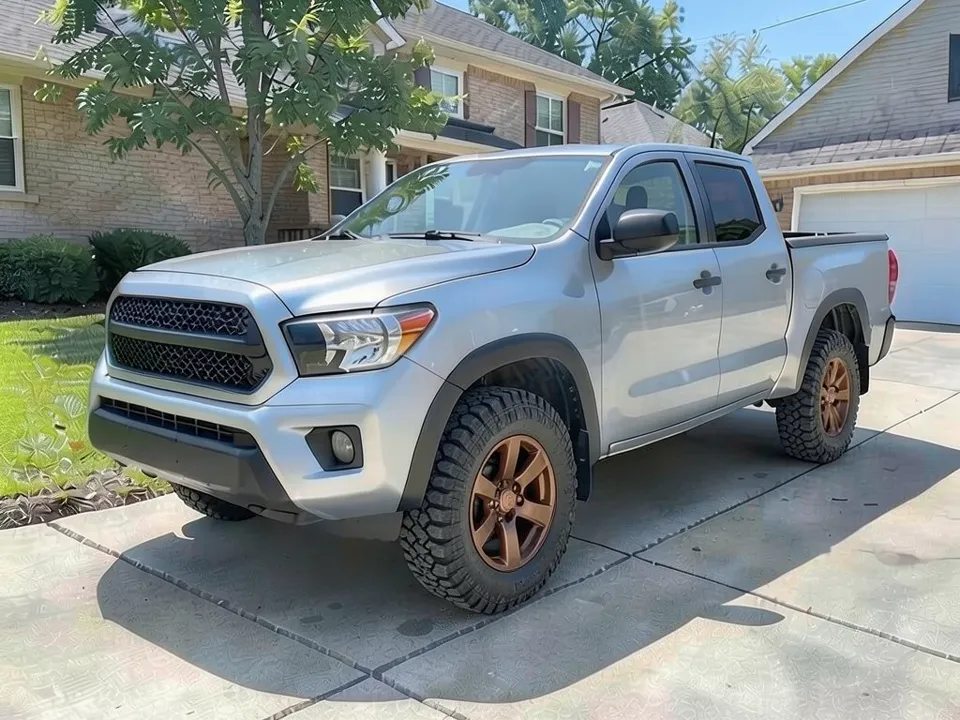
Tacoma Visualizer
Preview wheels, bigger tires, a lift, bumpers and racks on your Toyota Tacoma.
Tint and details
Smaller changes that still change how a car looks.
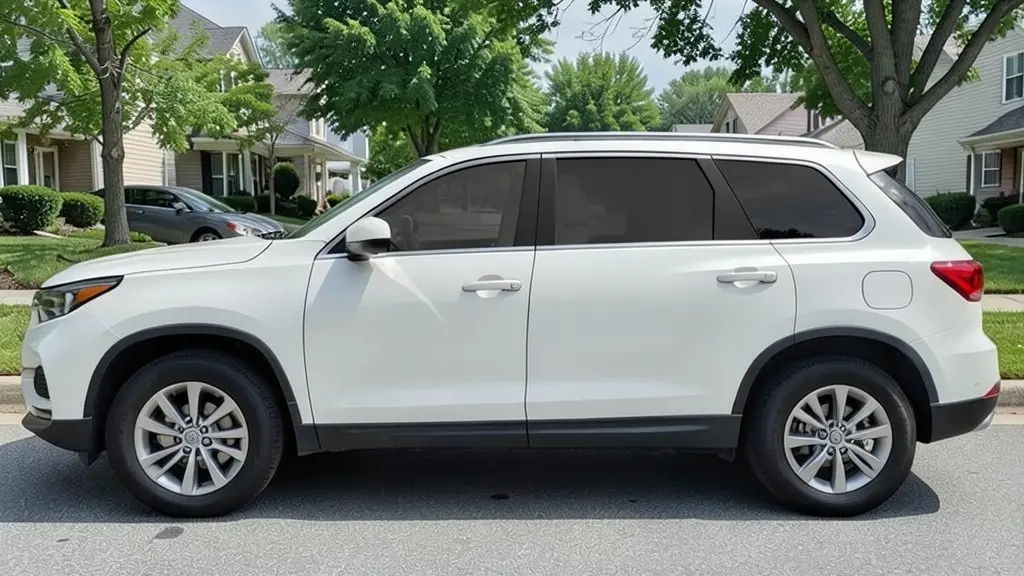
Window Tint Visualizer
Preview window tint at 50%, 35%, 20% or 5% limo on your own car before you visit a tint shop.
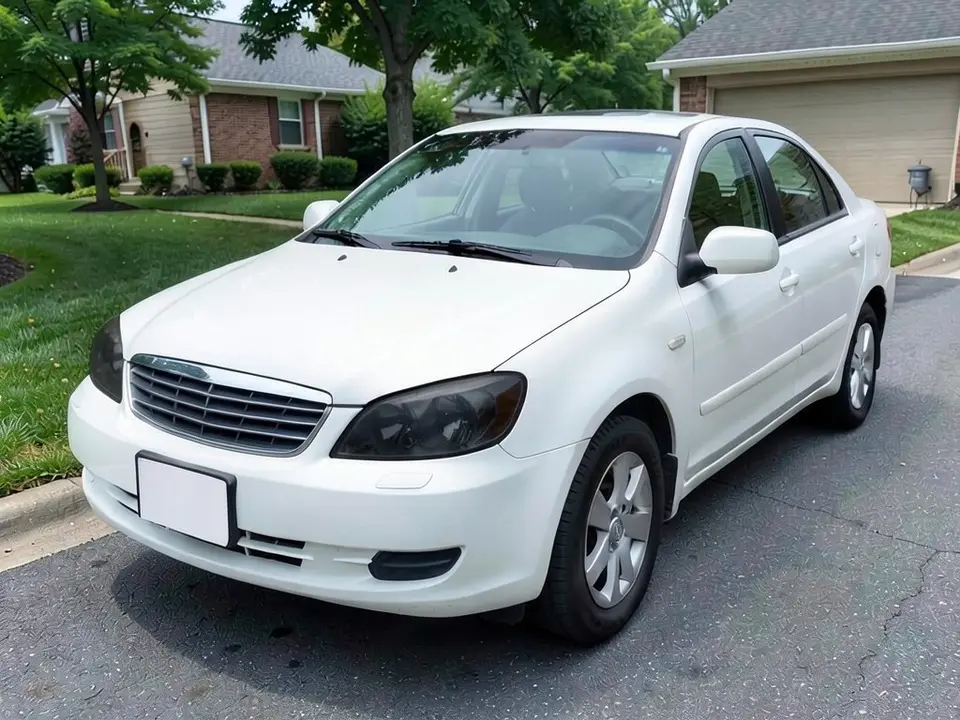
Headlight Tint Visualizer
See smoked headlights on a photo of your car before you buy tint film or covers.
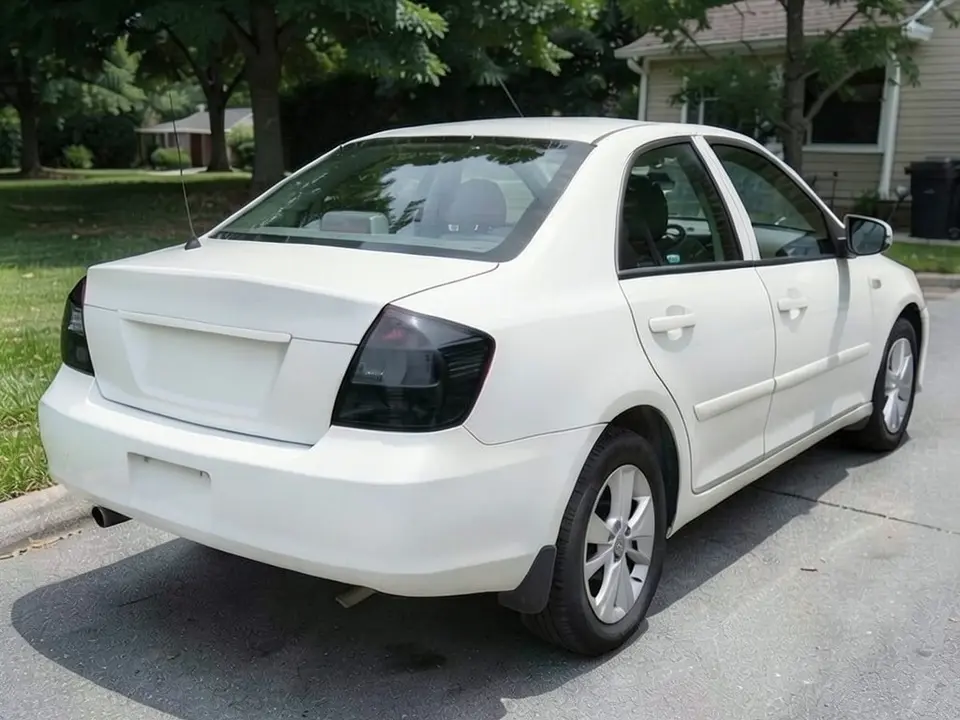
Smoked Tail Light Visualizer
See smoked or blacked-out tail lights on a rear photo of your car before you buy tint film or new lamps.
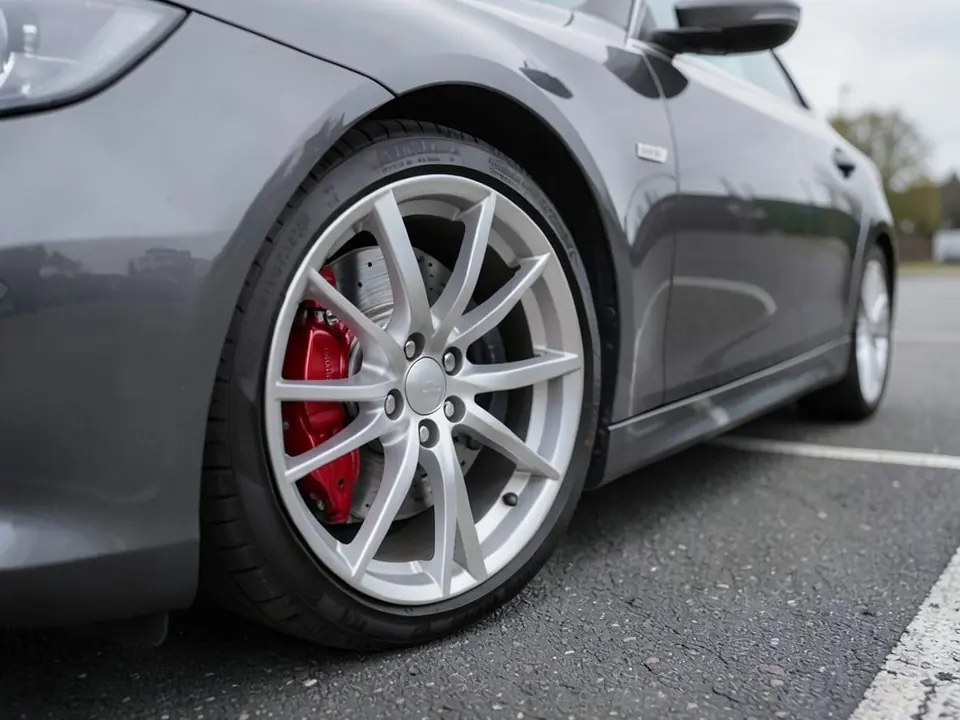
Brake Caliper Color Visualizer
Try red, yellow, blue or black brake calipers against your paint and wheels before you paint them or buy covers.
Frequently asked questions
What is a car visualizer?
On TheWheelAI it is a page that explains one kind of change, such as new rims or a vinyl wrap, shows before and after examples, and sends you to our photo editor. You upload a photo of your own vehicle and the AI redraws it with the change you describe.
Which visualizer should I start with?
Pick the page closest to what you plan to buy or book. Choose a wheel page to compare rims, tires or wheel colors, a wrap page to compare vinyl colors and finishes, and a mods page for parts such as a spoiler, a lift kit or chrome delete.
Are the visualizers free?
You need to sign in with your email or a Google account. Most new accounts get 5 free credits that last 30 days, and a standard render uses 1 credit. Free renders carry a WheelAI watermark; any paid plan (Standard, Pro or Enterprise) removes it.
Does a render show that a part will fit my car?
No. A render shows the look only. It does not check bolt pattern, offset, tire size, clearance or whether a part is legal where you live, so ask the shop or the part maker to confirm fitment before you buy.
Are the example images photos of real customer cars?
No. The before and after examples on the visualizer pages are AI-generated samples made with our own image model, not photos of real customer cars.
Is TheWheelAI affiliated with any car maker or parts brand?
No. TheWheelAI is an independent tool. The make and model names on these pages only say which vehicles a page is about.